
In short: Microsoft has said Dynamics NAV licenses can be bought and renewed until 30 April 2031. But that is not the date that should drive your planning. Every NAV version is already past mainstream support, and security updates for NAV 2018, the last version ever released, stop on 11 January 2028. For most businesses, that is the real deadline.
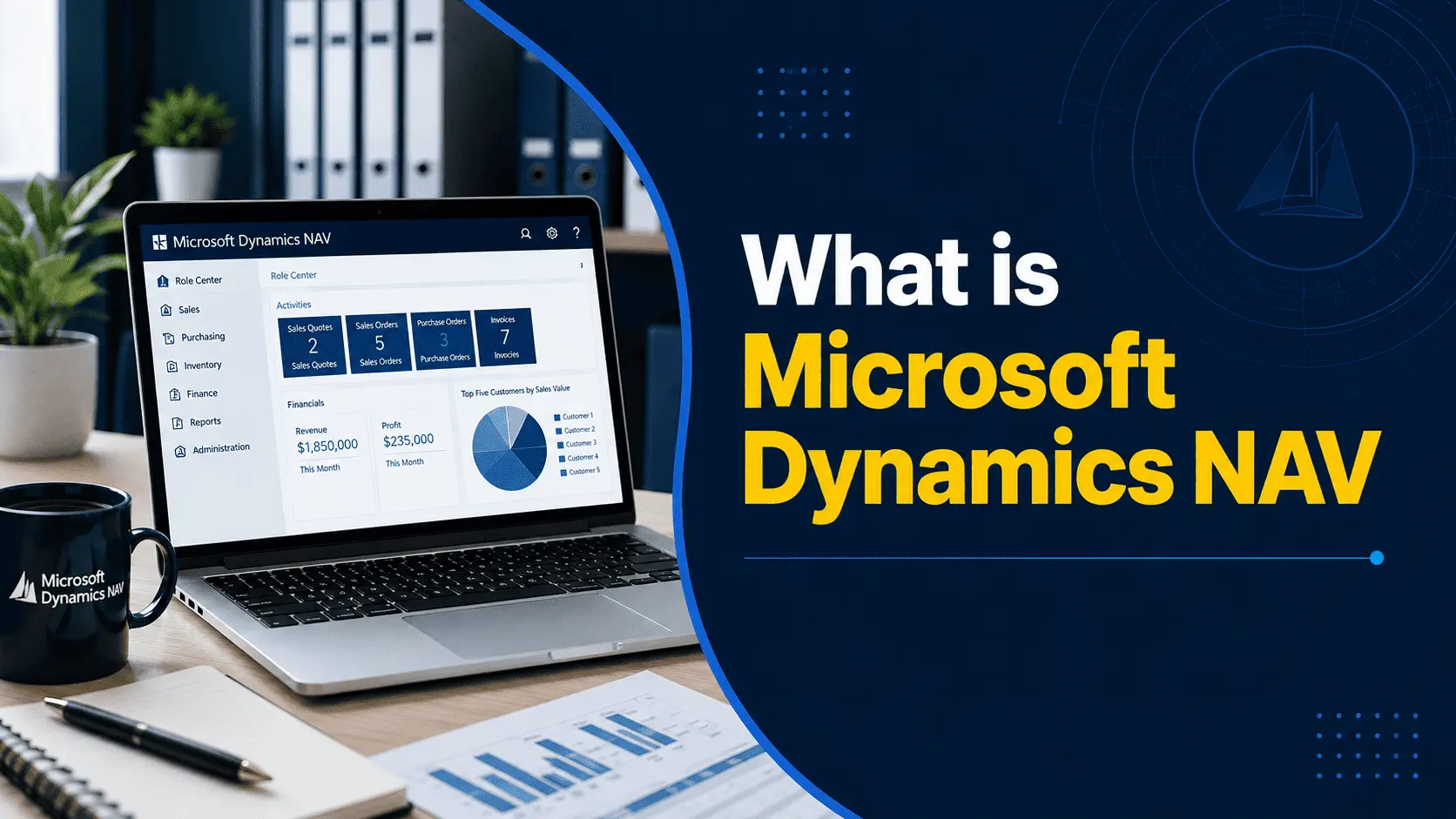
If you use Dynamics NAV (still called Navision by many teams), you may have seen the 2031 date and thought you have plenty of time. Before you plan your Dynamics NAV to Business Central migration, let us look at what that date actually means, and why the timeline is shorter than it first appears.
What does this mean for your business?
There are two different kinds of deadlines here, and it is easy to mix them up.
- The end-of-sale date (2031): This is about licensing. After this date, you cannot buy new NAV licences, renew service plans or add more users. Your system will still run, but you cannot expand or renew it.
- The end-of-support date (depends on your version): This is about protection. Once support ends, Microsoft stops releasing security patches and fixes for that version. This is the date that matters more, and for most businesses it is much closer.
Here is where each version stands today:
| NAV Version | Extended Support Ends | Status (September 2026) |
|---|---|---|
| NAV 2013 / 2013 R2 | January 2023 | Out of support |
| NAV 2015 | January 2025 | Out of support |
| NAV 2016 | April 2026 | Out of support |
| NAV 2017 | 11 January 2027 | About 3 months left |
| NAV 2018 | 11 January 2028 | About 15 months left |
So if you are on NAV 2016 or earlier, you are already running without security updates. If you are on NAV 2017, support ends in a few months. Even NAV 2018 users have just over a year. Whichever version you are on, a Dynamics NAV upgrade is no longer something to leave for later.
Why shouldn’t you wait until 2031 to migrate off NAV?
Waiting may feel like the safe choice, since the system still works. But the cost of waiting grows every year, and here is why:
- Security gaps keep building up: Every month without patches adds new weaknesses that nobody is fixing. Your finance data, customer records, and supplier details all sit in that system.
- Auditors and investors will ask questions: If someone asks what your financial system runs on, “an unsupported version of NAV” is a difficult answer to give. It can affect audits, insurance, and even company valuations.
- NAV experts are becoming harder to find: Most consultants now train in Business Central. The people who know older NAV code well are fewer each year, and they are busier.
- Upgrades get harder the longer you wait: The upgrade path from NAV to Business Central involves stages. The further behind you are, the more steps you need, and the more time and money the project takes.
- Microsoft incentives will not last forever: Microsoft is currently offering discounts to help NAV customers move to the cloud, but these offers have end dates.
This does not mean you need to rush. It means you should start planning now, so you can move at a pace that suits your business rather than under pressure.
What’s the difference between NAV and Business Central?
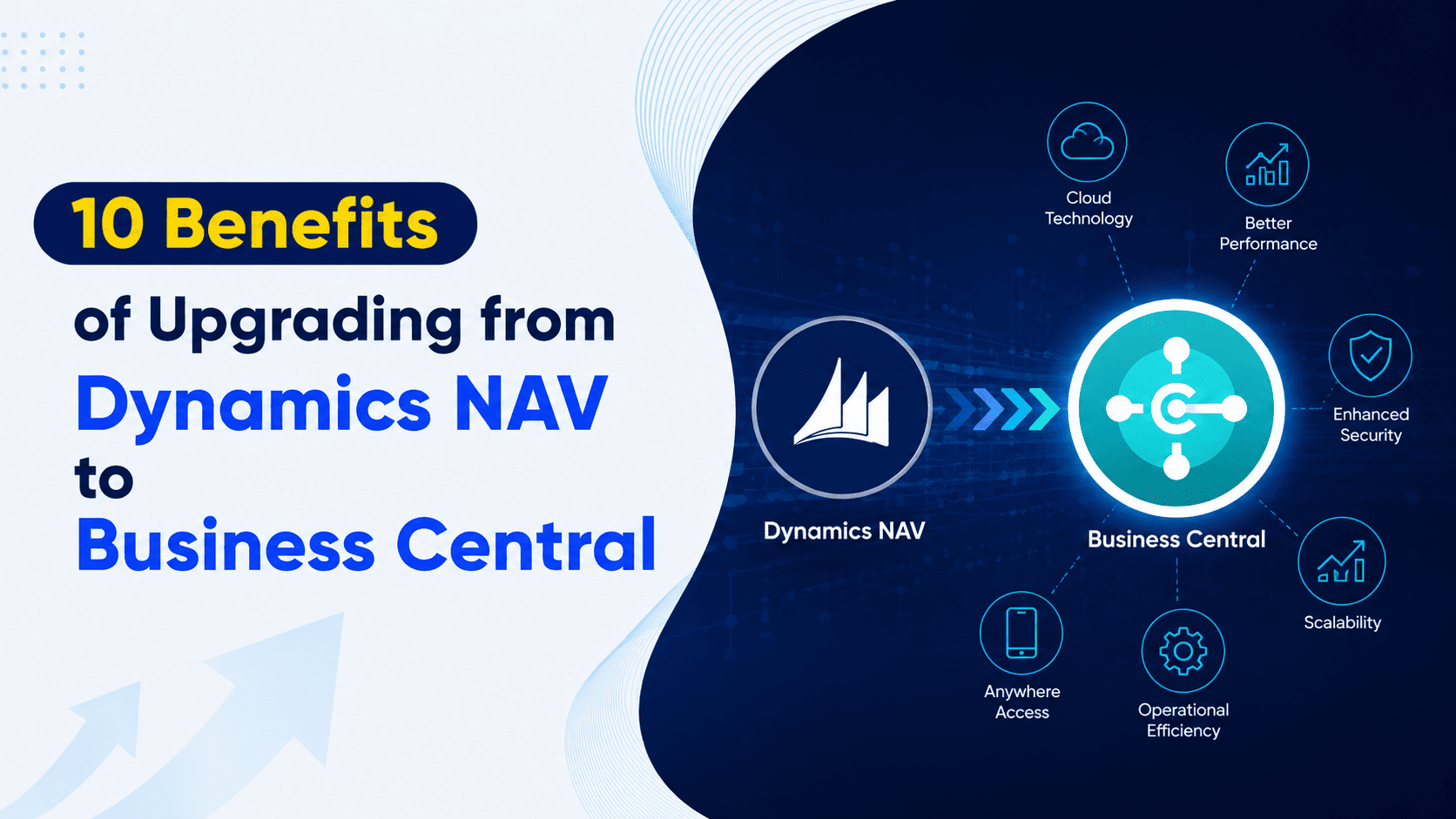
Microsoft Dynamics 365 Business Central is the direct successor to NAV. It comes from the same product family, so your team will recognize much of it: the chart of accounts, posting logic, item cards and many familiar screens. In fact, Navision, NAV and Business Central are all the same product family, which is why a Navision to Business Central migration feels like a step forward rather than a complete change for your team.
The difference is in what you gain:
- Regular updates instead of a frozen version: Business Central gets two major updates every year, plus smaller monthly ones. You are never stuck on an old release again.
- Works with the Microsoft tools you already use: It connects directly with Outlook, Excel, Teams and Power BI, so your team spends less time copying data between systems.
- Built-in AI with Copilot: Copilot helps with tasks like bank reconciliation, drafting product descriptions and analyzing data, which saves your team time every week.
- Access from anywhere: Your team can work from a browser, tablet or phone without VPNs or remote desktops.
- Cleaner customizations: In NAV, custom code was written directly into the core system, which made upgrades painful. Business Central uses extensions, which sit on top of the core system, so updates do not break your custom features.
If you need to keep your system on your own servers, Business Central on-premise is also available. However, the cloud version is where Microsoft is focusing most of its new features.
How does a NAV to Business Central migration work?
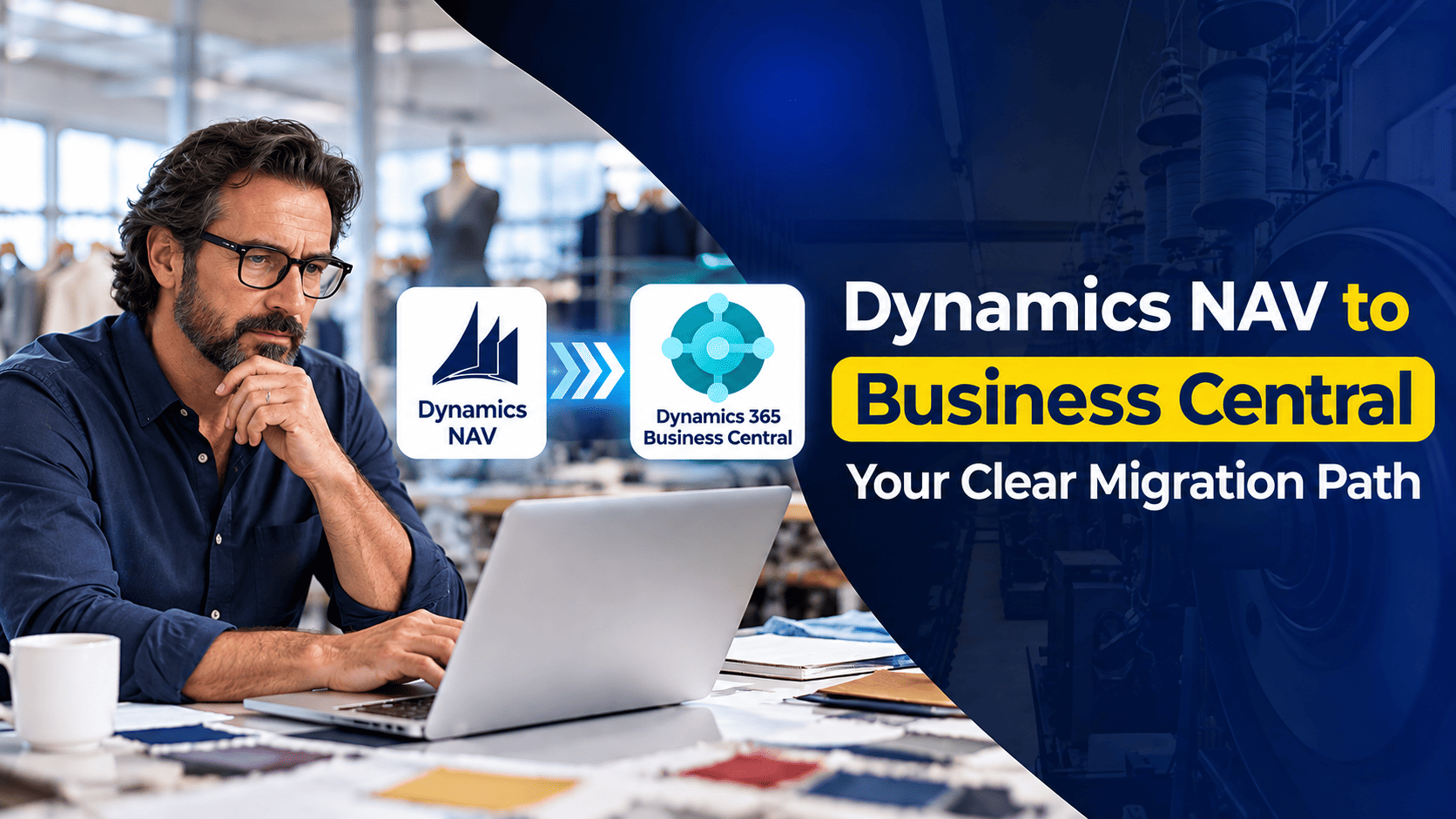
Many businesses delay their NAV to Business Central upgrade simply because they do not know what it involves. In reality, moving from Dynamics NAV to Business Central follows a clear and logical process. Here is how we approach it at Nevas Technologies:
Step 1: Assessment
We start by looking at what you use today: your NAV version, which modules you rely on, your customizations, add-ons and integrations, and the state of your data. We often find that some old customizations are no longer needed because Business Central already does the same job as a standard feature.
Step 2: Planning the right path
Your NAV version decides the route. For example, NAV 2018 can move to Business Central version 14 first and then to the latest release. Older versions such as NAV 2013 need extra steps. Businesses moving to the cloud also first upgrade to Business Central on-premise before the final move online. Some businesses choose a fresh implementation instead, bringing across only master data and open balances. We will help you decide which option makes more sense for you.
Step 3: Clear scope, timeline and cost
Before you commit, you get a written plan with real numbers that you can take to your management team.
Step 4: Build and migrate
Your NAV system keeps running while we set up Business Central, convert customizations into extensions, and move and check your data. Your daily operations are not disrupted.
Step 5: Testing and training
Your team tests real business scenarios and learns the new system before go-live.
Step 6: Go-live and support
We switch over at a time that suits you, often after a month-end or year-end close, and stay with you afterwards to handle any questions.
You can read the technical details in our guide on the steps for Dynamics NAV upgrade to Business Central.
You do not have to do this alone, Nevas Technologies has more than twenty years of experience with Microsoft Dynamics, and upgrades from NAV and GP to Business Central are a core part of our work. Here is what working with us looks like:
- One partner from start to finish, covering assessment, licensing, setup, data migration and training
- An approach that fits your business, not a one-size-fits-all template
- Support after go-live, so your team keeps getting more value from Business Central as it grows
Learn more about our Dynamics NAV to Business Central upgrade services, or see our Business Central implementation plans for an idea of scope and cost.
What incentives are available for migrating from NAV to Business Central?
Microsoft wants NAV customers to move to the cloud, and it is offering financial support to make that easier.
The current offer is called Bridge to the Cloud 3 (BTC3). It runs from 1 January 2026 to 31 December 2027. Under this programme, eligible NAV customers can get a discount on Business Central Online subscriptions, fixed for a set term. Customers with a larger number of NAV users may be able to get more savings.
Microsoft also runs funding programmes that can help cover part of the implementation cost for eligible customers.
Two things to keep in mind:
- Eligibility depends on your license status: Whether you qualify depends on your current NAV licensing, especially whether your enhancement plan is up to date. It is worth checking before the offer closes.
- These offers have an end date: The earlier you start, the more likely you are to benefit from them.
We can check which incentives your business qualifies for as part of your first consultation.
How do I get started with a Dynamics NAV migration?
The best first step is simple: find out exactly where you stand.
Start with these three questions:
- Which NAV version are you on? This tells you how much support time you have left, and how many upgrade steps you need.
- How much have you customized NAV? This affects the effort, cost and whether an upgrade or a fresh start makes more sense.
- Do you want cloud or on-premise? This decides your licensing and which incentives apply.
If you are not sure of the answers, that is completely fine, because this is exactly what an assessment covers. Talk to our Business Central consultants and we will map out your Dynamics NAV to Business Central upgrade, including timeline, cost and available incentives.
If you also run Dynamics GP in part of your business, see our Dynamics GP to Business Central migration services.