If your business is still running Dynamics NAV, you already know the platform still works. It’s the “still” that should give you pause. Microsoft is phasing out extended support for NAV, which means the version keeping your business running today will eventually stop receiving even the security patches it currently gets.
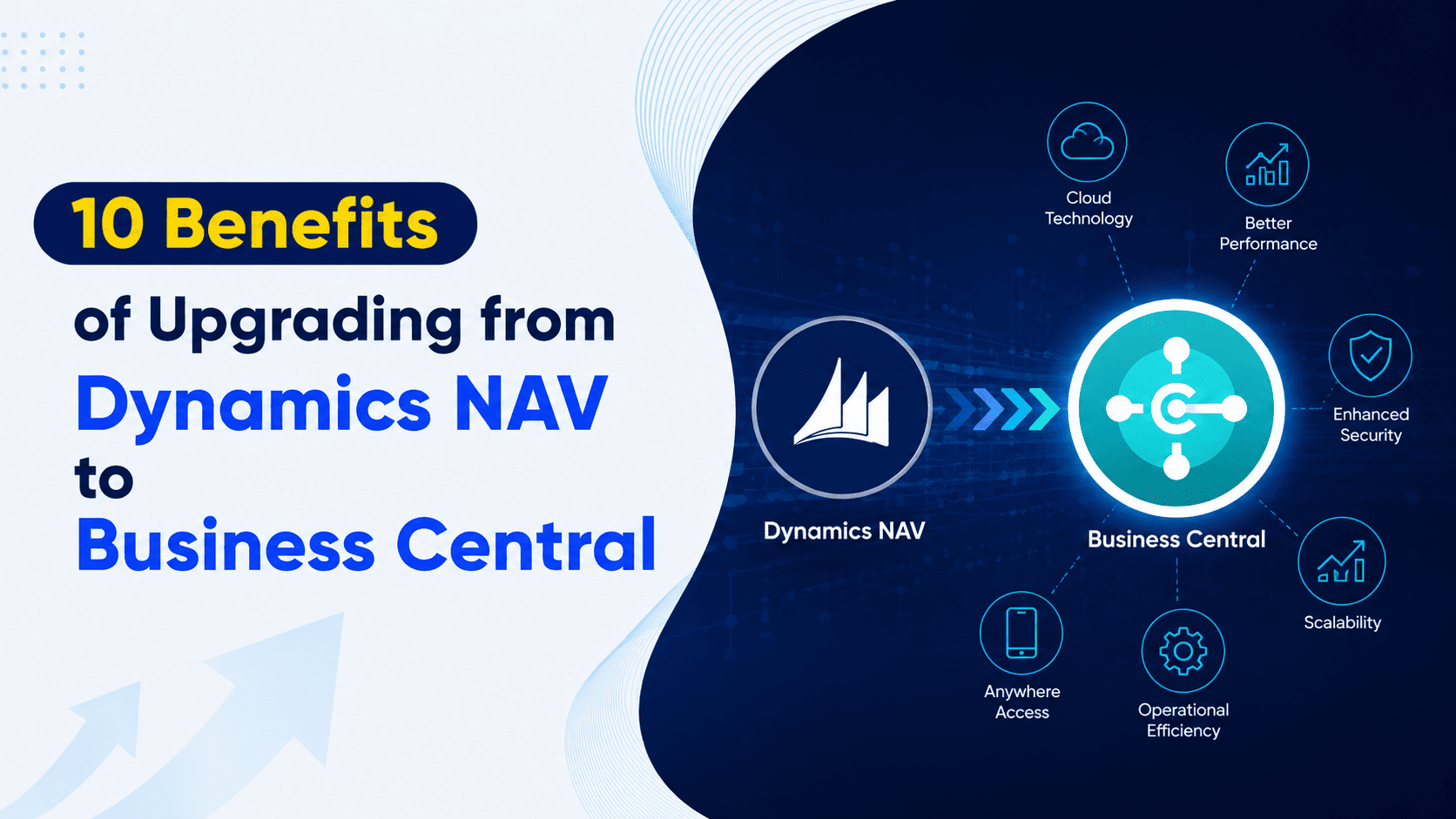
That timeline is exactly why so many NAV customers are actively planning their move to Dynamics 365 Business Central, Microsoft’s modern, cloud-based successor. It’s a fair question to ask whether the upgrade is worth the cost, the migration effort, and the retraining involved. In our experience, the long-term efficiency and scalability gains consistently outweigh those concerns once businesses see what the platform actually delivers. Here are ten reasons NAV customers are making the switch.
Why Upgrade from NAV to Business Central Now?
Moving from Navision to Business Central has become the natural next step for NAV customers, and the timeline makes it more than optional. As Microsoft winds down extended support for NAV, staying on the platform becomes a growing security and compliance risk rather than a stable, low-cost option. Business Central keeps your business secure, compliant, and competitive, with cloud-native agility, twice-yearly updates, and built-in AI that lets your team collaborate and make decisions from anywhere.
1. A True Cloud-Based Solution
Business Central is fully cloud enabled, so your team can access data and process transactions securely from anywhere. That flexibility supports remote and hybrid work and reduces how much you depend on physical IT infrastructure. Managers can view real-time dashboards and performance data no matter where they’re working, which keeps operations running smoothly even when your team isn’t all in the same building.
2. Lower Total Cost of Ownership
Business Central’s subscription model eliminates the big upfront costs and ongoing hardware expenses that come with running NAV on premises. Updates, support, and backups are included as part of your subscription, which makes budgeting far more predictable. IT teams get to spend less time on maintenance and more time on work that actually moves the business forward, while finance leaders benefit from subscription-based costs that are easier to plan around.
3. Seamless, Biannual Updates
Instead of disruptive, manual upgrade projects, Business Central delivers automatic updates twice a year. Your system stays current, secure, and compliant without the downtime and consultant hours that NAV upgrades typically require. Each release reflects Microsoft’s substantial ongoing investment in product development and cybersecurity, so you’re benefiting from continuous improvement rather than a one-time purchase that starts aging the moment it’s installed.
4. Real-Time Collaboration Across Your Team
Business Central integrates directly with Microsoft Teams and Microsoft 365, letting employees collaborate on data in real time instead of passing files back and forth or working from outdated exports. That unified environment reduces silos between departments and makes sure decisions get made using the most current, accurate information available.
5. Embedded Analytics and Interactive Dashboards
Native Power BI integration turns raw transactional data into clear, actionable insights without needing a separate reporting tool. Dashboards are easy to build and use, supporting faster decisions, while AI-powered forecasting helps predict cash flow, spot trends, and plan resources more effectively than static NAV reports ever could.
6. Automated Workflows
Repetitive, manual tasks are one of the biggest hidden costs of running an aging ERP. Business Central streamlines these through built-in automation and Power Automate integration, cutting down on manual errors and freeing your team to focus on higher-value work instead of data entry and approvals.
7. A Modern Interface Built for Mobile and Tablet Use
NAV’s interface was built for a different era of computing. Business Central offers a modern, intuitive experience optimized for desktops, tablets, and mobile devices, so your team can work efficiently whether they’re at a desk, on the floor, or on the road.
8. Future-Ready Integrations
Business Central connects natively with Microsoft 365, the Power Platform, and a wide range of other business applications right out of the box. That connectivity makes it far easier to scale, adapt, and integrate new tools as your business grows, compared to NAV’s more limited, custom-built integration options.
9. Stronger Security and Compliance
Business Central runs on Microsoft’s cloud security infrastructure, with built-in compliance support for global standards and enterprise-grade data protection and encryption. Microsoft’s global security operations monitor an enormous volume of daily threat signals across its ecosystem, backed by ongoing threat intelligence that a self-managed, on-premises NAV environment simply can’t match on its own.
10. Continuous Innovation and Built-In AI
Microsoft’s ongoing investment in Business Central means you get regular access to new AI-powered automation, process suggestions, and business intelligence capabilities as they’re released, not years later in a costly major version upgrade. That keeps your ERP evolving alongside your business instead of falling further behind with every year that passes.
Dynamics NAV vs. Business Central: Quick Comparison
| Feature | Dynamics NAV | Business Central |
|---|---|---|
| Deployment | On premises | Cloud (SaaS) or on premises |
| User interface | Classic, limited web access | Modern, web, mobile, and tablet |
| Reporting | Basic | Embedded analytics with Power BI |
| Security | Local or network-based | Advanced cloud security |
| Upgrades | Manual, costly | Automatic, twice yearly |
| Integrations | Limited, custom-built | Native with Microsoft 365 and Power Platform |
| Customizations | Source code modifications | Extensions, low-code and no-code |
| Real-time collaboration | Not supported | Yes, through Teams and Power Automate |
Frequently Asked Questions
What are the licensing implications of an upgrade?
Moving to Business Central shifts your costs from perpetual licenses and ongoing maintenance fees to a predictable monthly or annual cloud subscription. Incentives are sometimes available for businesses that upgrade earlier rather than waiting.
How long does a migration take?
It depends on complexity, but most migrations take anywhere from a few weeks to several months. An early assessment and process mapping phase helps reduce timeline surprises, and working with an experienced Business Central partner generally speeds the whole process up.
Are cloud versions updated automatically?
Yes. Business Central’s cloud version receives biannual updates automatically, keeping your system secure, compliant, and feature-rich with minimal disruption to daily operations.
Will I lose access to historical data after the upgrade?
No. Historical data, including past transactions and master records, can be migrated as part of the project, though the approach depends on your data quality and volume.
Will my team need retraining?
Some retraining is expected given the new interface, but most users adapt quickly thanks to Business Central’s modern, intuitive design and in-app guidance. Structured, role-based training makes the transition considerably smoother for teams coming from years of using NAV.
How Nevas Technologies Can Help
Upgrading from Dynamics NAV to Business Central is a meaningful project, and getting it right depends on more than just moving data from one system to another. Nevas Technologies has spent over 20 years helping businesses plan and execute Microsoft Dynamics upgrades and migrations, with 200+ clients and a team of certified Microsoft Dynamics consultants who understand the realities of legacy NAV environments.
Here’s how we help:
- Assessing your current NAV environment, customizations, and data structure to plan the right upgrade path
- Managing data migration with a clear strategy for what moves over and what gets archived
- Configuring Business Central around how your team actually works, not a generic template
- Providing role-based training so your team is productive quickly, not just technically migrated
- Offering ongoing support after go-live as your business continues to grow
Next Steps
Staying on Dynamics NAV gets riskier every year that Microsoft’s investment shifts further toward Business Central. The businesses that upgrade proactively, rather than waiting until support runs out, tend to have a smoother transition and start realizing the benefits sooner.
Schedule a free upgrade assessment with our Microsoft Dynamics team, or get a custom quote to start planning your move to Business Central.