Most companies on Dynamics GP do not use it alone. Orders arrive from a web shop, timesheets come from a project system, bank files and expense reports must be loaded, and the general ledger has to receive entries from payroll providers. How that data reaches Microsoft Dynamics GP has a direct effect on the hours your staff spend on manual entry and on the number of errors that reach the ledger. A poor choice rarely fails on the first day. It usually fails a year later, when the person who built the integration has left.
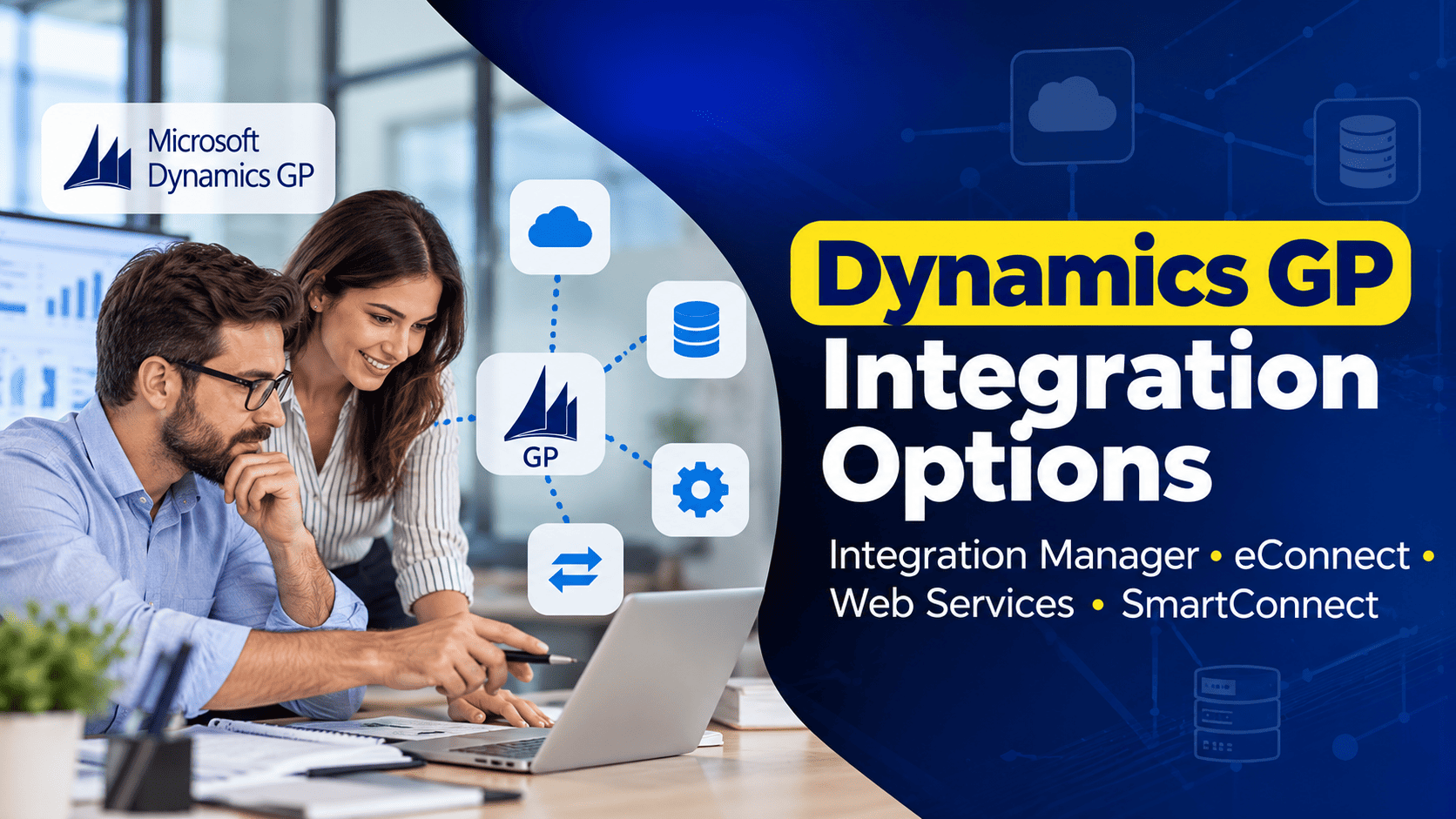
Dynamics GP offers four common routes: Integration Manager, eConnect, Web Services for Dynamics GP, and SmartConnect, an add-on from eOne Solutions. This article compares them in business terms: who uses each one, what it costs to build and maintain, and when each one is the right choice.
The Four Options at a Glance
| Option | Best for | Who builds it | How it runs | Main limit |
|---|---|---|---|---|
| Integration Manager | Periodic imports from files | Trained finance or IT user | On a Dynamics GP workstation, started by hand or by script | Slower with large volumes |
| eConnect | Fast, automated integrations | .NET developer | In the background, close to real time | Every change needs a developer |
| Web Services for Dynamics GP | Other systems reading and writing GP data | Developer | On a web server | Older technology, limited set of documents |
| SmartConnect | Scheduled and event-based integrations without code | Trained power user or consultant | On-premises or in the cloud | Subscription cost |
Integration Manager: The Familiar Import Tool
Integration Manager is the import tool that many Microsoft Dynamics GP (Great Plains) users already know. A trained user defines an integration once, mapping columns from an Excel or text file to GP fields, and then any authorized user can run it each month. Typical uses are journal entries from a payroll provider, opening balances during an implementation, or a batch of vendor invoices from a scanning system.
The tool offers two kinds of connection. Standard adapters work through Dynamics GP’s own windows, much as a fast user would, while eConnect adapters write through eConnect and are considerably faster. Integrations run on a workstation where Dynamics GP is installed, and automated runs need a script and a scheduled task.
Its limits are speed with large volumes, basic error handling, and age, because the tool has changed very little for many years. Check whether Integration Manager is part of your Dynamics GP license before planning around it. For simple, periodic imports it remains a reasonable choice, but anything that must run automatically every few minutes is better served by other options.
eConnect: The Engine Underneath
eConnect is a set of stored procedures and programming interfaces, installed in each Dynamics GP company database, through which other software can create and update Dynamics GP records. It applies Dynamics GP’s business rules, so a sales invoice created through eConnect is checked in the same way as one entered by hand. Most other integration tools, including the eConnect adapters in Integration Manager, Web Services and SmartConnect, use eConnect underneath.
Developers use eConnect when performance and control matter most: a web shop that sends hundreds of orders an hour, or a warehouse system that must create receipts the moment goods arrive. Data is prepared as XML documents and sent through a .NET interface or a message queue. An optional outgoing service can also send changes made in Dynamics GP, such as a new customer, to other systems.
The trade-off is that every integration is code. A new field in the source system or a different file format means a developer must change and test the program. Companies that choose eConnect need either an internal developer or a partner who keeps the documentation current, because undocumented eConnect code is a frequent source of delay during upgrades.
Web Services for Dynamics GP
Web Services for Dynamics GP places a service layer on top of eConnect. Other applications, for example a CRM system or a customer portal, call the service over the network to read or create customers, orders and other documents. Unlike eConnect, it includes its own security: an administrator decides in the Dynamics Security Console which users or systems may perform which operations.
This makes Web Services suitable when an external application needs both to read and to write Dynamics GP data under controlled permissions. It does, however, use the older SOAP standard, covers only a subset of GP documents, and runs on a web server that must be updated alongside GP. When Microsoft releases a new Dynamics GP version, Web Services has to be upgraded with it, which adds a step to each project. For new integrations, many developers now prefer to call eConnect directly or to use a tool such as SmartConnect.
SmartConnect: Integration Without Code
SmartConnect is an integration platform from eOne Solutions that works through eConnect and replaces most programming with point-and-click mapping. A trained power user or consultant connects a source, such as a file, a database, a REST service or another business application, maps the fields to GP, adds lookups and rules, and schedules the integration. Errors are reported clearly, and alerts can be sent by email or Microsoft Teams.
SmartConnect suits companies with several integrations that must run automatically and change from time to time. It also works with Dynamics 365 Business Central, which matters for any company that expects to leave Dynamics GP before 2029, because much of the integration design and the team’s experience can be reused.
The cost is a subscription. At the time of writing, eOne lists plans from $350 per month, with higher plans for more connections, more records and more frequent scheduling, and an initial term of twelve months. For a single simple import that cost is hard to justify, but for a group of business-critical integrations it is often lower than the developer time it replaces.
How to Choose: Questions to Answer First
Before analyzing tools, answer five questions about the integration itself.
- How often must it run? Monthly imports suit Integration Manager. Hourly or near real-time needs point to eConnect or SmartConnect.
- How much data is involved? A few hundred lines a month is easy for any tool. Thousands of orders a day need eConnect or SmartConnect.
- Who will maintain it? If you have no developer, choose a tool that a trained finance or IT user can change.
- Does another system need to read Dynamics GP data as well as write it? Web Services or SmartConnect handle two-way flows more naturally.
- How long will you stay on Dynamics GP? If a move to Business Central is planned, prefer options that also work there.
In practice, many organizations use two tools: Integration Manager or SmartConnect for finance imports, and eConnect or SmartConnect for high-volume operational flows. We emphasize documentation whatever the choice: every integration should have a written description of its source, mapping, schedule and owner.
Integrations During Upgrades and a Move to Business Central
Integrations are one of the main risk areas in any Dynamics GP upgrade. eConnect and Web Services must match the new Dynamics GP version, custom programs may need to be rebuilt, and each integration has to be tested with real data before go-live. Most finance teams will recognize the situation in which an upgrade went well, but web shop orders stopped arriving on the first Monday.
For a Dynamics GP to Business Central migration, the change is larger. eConnect, Integration Manager and Web Services are specific to Dynamics GP and do not exist in Dynamics 365 Business Central, which offers its own APIs and import tools. Every integration therefore needs a new route, and an inventory of current integrations is one of the first steps in planning the move.
How Nevas Technologies Helps
Nevas Technologies has worked with Microsoft Dynamics GP (Great Plains) for more than 20 years, including the design and maintenance of integrations. Our consultants document existing integrations, repair failing imports, build new integrations in the tool that suits your volumes and skills, and test every integration as part of upgrades. Our Dynamics GP support team handles daily integration errors, and Dynamics GP training prepares your power users to run and adjust imports themselves. Where custom code is needed, our developers handle the customization and keep its documentation up to date.
Frequently Asked Questions
Which option is cheapest?
For occasional imports, Integration Manager, if it is already part of your license. For many automated integrations, SmartConnect is often cheaper than custom development once maintenance is included.
Can we write data directly into the SQL Server tables instead?
We advise against it. Writing directly to Dynamics GP tables bypasses GP’s business rules and can create records that GP cannot process correctly. eConnect exists to prevent exactly this.
How long does a new integration take to build?
A simple file import in Integration Manager or SmartConnect can often be ready within a few days. A developer-built eConnect integration with proper error handling and testing usually takes weeks rather than days.
Will our integrations work after a Dynamics GP upgrade?
Usually, once they have been updated and tested. Plan time for this in every upgrade.
Can we keep using SmartConnect after moving to Business Central?
Yes. SmartConnect supports Business Central, although each integration must be remapped to Business Central’s data structure.
Conclusion
Summarizing the four options: Integration Manager for simple periodic imports, eConnect for fast integrations built by developers, Web Services for controlled access by other applications, and SmartConnect for flexible integrations without code. The right choice depends on volume, frequency, the skills in your team and how long you will remain on Dynamics GP.
If you would like an independent review of your integrations, contact our team or request a quote.