

If your business runs on Microsoft Dynamics GP (Great Plains), you rely on it for some of your most important work: paying vendors, invoicing customers, closing the month and reporting to your board. When something goes wrong, it matters.
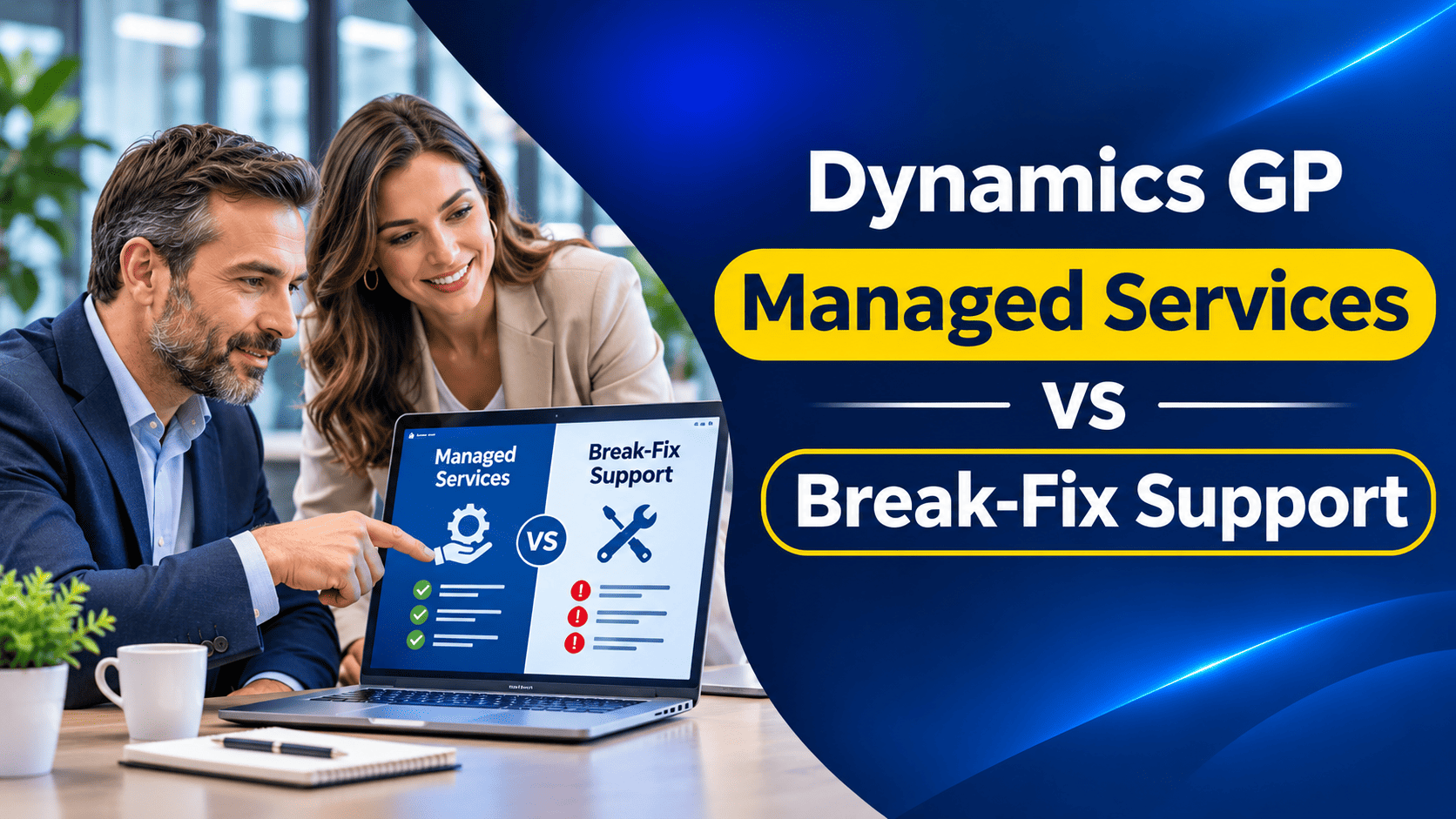
The question is how you want support to work. Do you call a partner only when something breaks, or do you want someone looking after the system continuously, so problems are prevented rather than fixed? These two approaches are usually called break-fix support and managed services.
In this article, we explain what each model means, what a good GP managed services plan includes, and how to decide which approach suits your organization.
What Is Break-Fix Support?
Break-fix is the traditional model. When something goes wrong, you contact your partner, they fix it, and you pay for the time spent. There is no ongoing agreement beyond that, or only a small bank of prepaid hours.
Where it works well:
- Small organizations with simple GP setups and few users.
- Teams with a strong in-house GP administrator who only needs occasional expert help.
- Very stable environments where issues are rare.
Where it falls short:
- You only get help after something breaks. By then, month-end may already be delayed or payments held up.
- Costs are unpredictable. A quiet quarter costs little, but one serious problem can blow the budget.
- Response times are not guaranteed. Without an agreement, your issue joins the partner’s general queue.
- No one sees the bigger picture. Each call is handled on its own, so recurring problems and slowly growing risks are rarely spotted.
What Are Dynamics GP Managed Services?
Managed services turn support into an ongoing partnership. For a fixed monthly fee, a partner takes responsibility for keeping GP healthy, secure and up to date, and provides help whenever your team needs it.
The key difference is the shift from reactive to proactive. Instead of waiting for problems, a managed services team monitors the system, applies updates, plans ahead for year-end and spots issues early.
We want to emphasize that managed services do not mean handing over control. Your team still owns the decisions. The partner simply takes care of the technical work and gives you a reliable, predictable source of expertise.
What’s Included in Dynamics GP Managed Services?
Every provider packages its services a little differently, but a good GP managed services plan usually covers these areas.
Help desk support
- A clear way to log issues by phone, email or portal.
- Agreed response times based on priority, so urgent problems are handled first.
- Access to consultants who know GP, not general IT staff.
Proactive system health checks
- Regular reviews of GP and SQL Server performance.
- Checks on database growth, failed jobs and error logs.
- Monitoring of integrations, so a stuck import is caught before it affects reporting.
Updates and year-end
- Planning and applying GP service packs and hotfixes.
- Installing the annual year-end update for payroll and tax changes, and supporting your year-end close.
- Making sure Windows, SQL Server and Office versions stay within Microsoft’s supported list. Our guide to Dynamics GP system requirements explains why this matters.
Security and user administration
- Adding, changing and removing users and security roles.
- Reviewing access regularly, so leavers are removed and permissions stay appropriate.
- Advising on stronger sign-in options, as covered in our post on single sign-on and MFA for Dynamics GP.
Finance process support
- Help with month-end and year-end routines.
- Support with bank reconciliation, subledger reconciliations and posting issues.
- Maintaining your Chart of Accounts (COA), such as adding accounts, segments or rollups when the business changes.
Reporting and small changes
- Building or adjusting SmartLists, Management Reporter statements and other reports. See our guide on creating and sharing SmartLists.
- Small configuration changes, such as new posting accounts, approval workflows or document templates.
Training and advice
- Short training sessions for new staff or new processes.
- Regular review meetings covering system health, open issues and upcoming changes.
- Roadmap advice, including planning for GP’s end of support.
Larger projects, such as a full upgrade, a major customization or a migration, are usually quoted separately, but a managed services partner is well placed to plan them with you.
Managed Services vs Break-Fix: Side by Side
| Area | Break-fix support | Managed services |
|---|---|---|
| Approach | Reactive: fix problems after they happen | Proactive: prevent problems and fix them quickly |
| Cost | Pay per hour, hard to predict | Fixed monthly fee, easy to budget |
| Response times | Best effort | Agreed in a service level agreement |
| System monitoring | None | Regular health checks |
| Updates and year-end | Arranged and billed each time | Planned and included |
| Knowledge of your system | Rebuilt with each call | Built up over time |
| Strategic advice | Rare | Part of the service |
Signs It Is Time to Move to Managed Services
In our experience, organizations usually start to recognize the need for managed services when several of these are true:
- Support bills are hard to predict and finance cannot budget for them.
- The same problems keep coming back, such as posting errors, slow performance or broken integrations.
- Your in-house GP expert has left, or is about to retire, and nobody else knows the system well.
- Year-end feels stressful every time.
- Auditors are raising questions about security, access or controls.
- You are running an older version of GP and are unsure what is still supported. Our post on GP retirement dates by version can help.
- You are planning a move to Business Central and need someone to keep GP stable in the meantime.
When Break-Fix May Still Be Enough
Break-fix is not wrong for everyone. It can still make sense if your organization has a small number of users, a very stable setup, a skilled in-house administrator and little dependence on complex integrations or customizations. Even then, a small prepaid block of hours with agreed response times is often a sensible middle ground.
Questions to Ask a Managed Services Provider
Before choosing a partner, ask:
- What exactly is included, and what is billed separately?
- What are the response times for urgent, high and normal issues?
- Who will support us? Are they GP specialists?
- How do you handle year-end and GP updates?
- What reporting do we receive on tickets, system health and trends?
- Can you support our integrations and third-party add-ons?
- How will you help us plan for the future, including the end of GP support?
- Is there flexibility to adjust the plan as our needs change?
Managed Services and the Road to Business Central
Microsoft will end product updates, tax updates and technical support for GP on December 31, 2029, with security updates ending on April 30, 2031. You can read more in our guide to Dynamics GP end of support.
For many organizations, managed services provide the bridge. Your partner keeps GP stable and compliant today, while helping you prepare for tomorrow: cleaning up data, reviewing your COA, documenting processes and planning a Dynamics GP to Business Central migration. Our guide on redesigning your COA for Business Central explains one of the most important steps. After go-live, the same partner can continue with Dynamics 365 support, so knowledge of your business is not lost.
Frequently Asked Questions
What is the difference between managed services and break-fix support for Dynamics GP?
Break-fix support fixes problems after they happen and is billed by the hour. Managed services provide proactive monitoring, updates and help desk support for a fixed monthly fee.
Are GP year-end updates included in managed services?
In most plans, yes. Planning and installing the year-end update and supporting your year-end close are core parts of a good GP managed services plan.
Do managed services replace my in-house GP administrator?
Not necessarily. Many organizations use managed services to support their in-house team, cover holidays and absences, and provide specialist knowledge.
Is it worth paying for managed services if we plan to leave GP?
Often, yes. Keeping GP stable and secure until you move protects your business, and a partner that knows your system can make the migration smoother.
How Nevas Technologies Can Help
At Nevas Technologies, we have more than two decades of experience with Microsoft Dynamics. Our Dynamics GP support services range from flexible break-fix help to full managed services, with GP specialists who get to know your business. We also offer Dynamics GP upgrades, Dynamics GP training and Microsoft Dynamics staffing when you need extra hands.
Looking for reliable GP support? Request a quote, or contact our team to discuss the right support plan for your business.