
If your business handles repairs, maintenance, or after-sales service, you already know how easily things fall apart without the right system missed appointments, lost service histories, technicians double-booked, invoices that never quite match the work done.
Business Central Service Management is Microsoft’s answer to that problem. It’s a purpose-built module inside Dynamics 365 Business Central that gives service-based businesses the tools to plan, track, and execute service work without bolting on a separate system.
In this guide, we’ll walk through what Business Central Service Management actually includes, its core capabilities, and how it compares to Dynamics 365 Field Service, so you can figure out which fits your business.
What Is Dynamics 365 Business Central Service Management?
Business Central comes in two editions Essentials and Premium and the Service Management module is only available in Premium. Premium builds on Essentials by adding advanced Manufacturing and Service Management capabilities that aren’t included in the base edition.
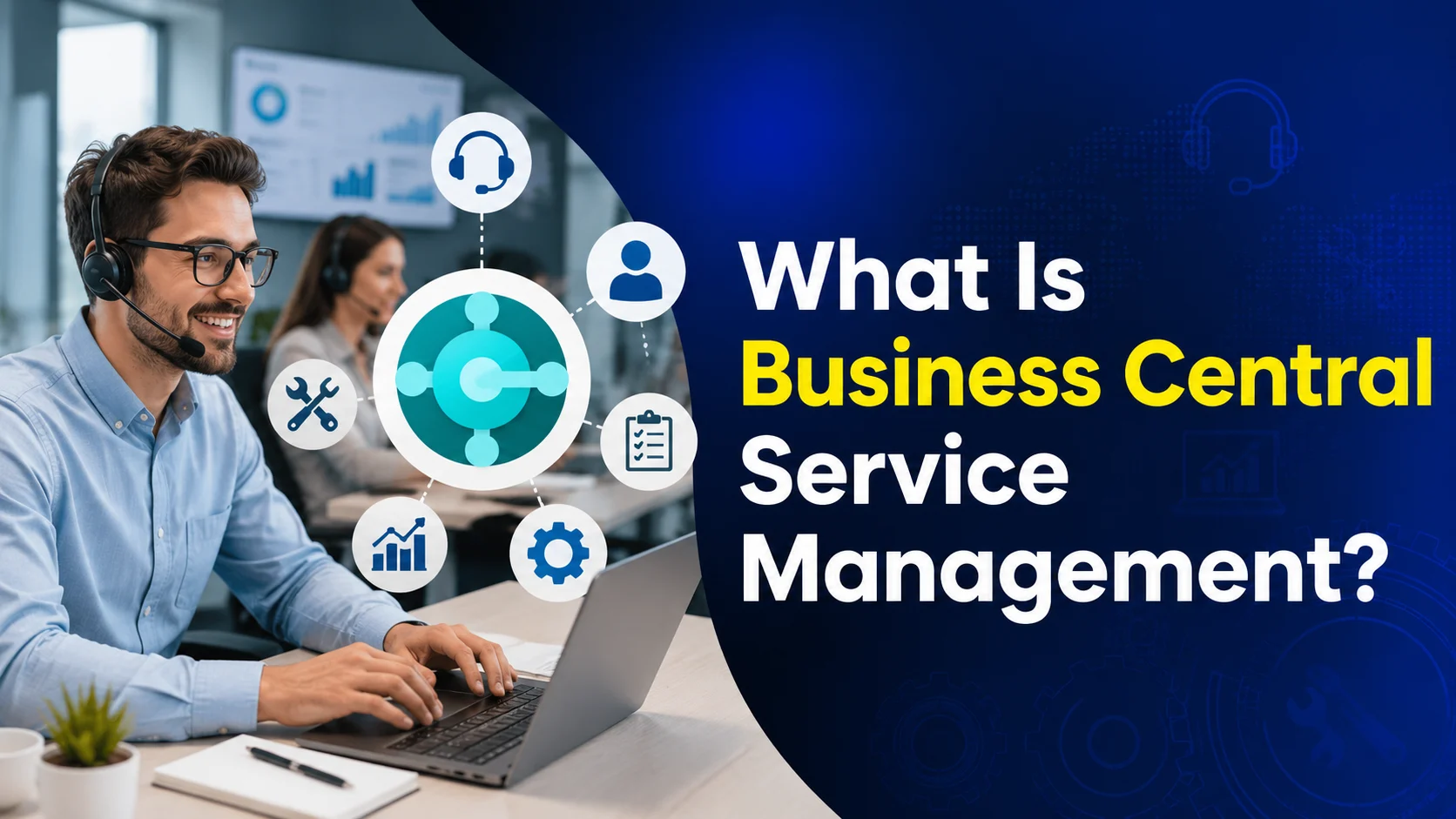
Service Management is built for companies that provide service to customers after the sale think equipment maintenance, repair work, or field service operations. It extends Business Central’s core ERP functionality to manage after-sales service processes right inside the same system you already use for finance and operations. That means you can create and track service orders, assign technicians to jobs, schedule dispatches, and manage service agreements and warranties all without switching tools.
Instead of juggling spreadsheets or a separate service-tracking app, everything lives in one place: logging customer service requests, setting up recurring maintenance schedules, tracking parts and labor for repairs, and invoicing for completed work. For businesses that need more advanced field technician scheduling and dispatching, Business Central can also connect with Dynamics 365 Field Service, keeping data flowing seamlessly between your ERP and field operations.
Key Benefits of Business Central Service Management
Adding Service Management to your Business Central setup delivers real, measurable improvements across your service operation:
- Streamlined service operations — Automating service orders, dispatching, and scheduling cuts down on manual work, reduces errors, and speeds up response times.
- Better customer satisfaction — Faster, more reliable service delivery helps you meet and exceed customer expectations, while making it easier to stay on top of service level agreements.
- Smarter resource allocation — Assign the right technician to the right job based on skills and availability, and make sure the parts they need are actually on hand. Less downtime, fewer wasted trips.
- One unified system — Because Service Management runs inside Business Central, there’s no separate database or duplicate data entry. Service and finance work from the same source of truth.
- Better reporting and visibility — Every service transaction and customer interaction gets recorded, giving you the data to track response times, service call volume, costs, and customer feedback over time.
Core Capabilities of Business Central Service Management
Service Order Management
Create, track, and manage service orders for repair requests or routine maintenance. Log service issues, initiate requests, and keep a full history for each order quotes, status, and the work actually performed.
Service Contract Management
Define and manage service agreements with customers, including coverage periods, response times, SLAs, and special pricing. Track contract history, automate renewals, and manage warranties tied to service items or parts.
Service Item and Parts Management
Maintain detailed records for every piece of equipment you service serial numbers, warranty status, bill of materials, and full service history. That makes it easy to see exactly what work has been done on an item and what’s been replaced, which matters most for complex equipment and warranty claims.
Service Price Management
Set flexible pricing for services and maintenance work, with price groups based on specific criteria. Define standard costs for labor and parts, set minimum or maximum job fees, and review statistics to keep service operations profitable.
Service Planning and Dispatching
Assign personnel to work orders and schedule technicians for on-site visits. Filter available technicians by skill, availability, or location, and get a full overview of active service tasks, priorities, and team workload so you can balance the schedule and respond to urgent jobs quickly.
Business Central Service Management vs. Dynamics 365 Field Service
Both solutions manage service operations, but they’re built for different levels of complexity.
Business Central Service Management is best for basic, ERP-integrated service needs work orders, contracts, and after-sales support, all tied directly into your financial system. Dynamics 365 Field Service is a CRM-based application built specifically for businesses running a large, mobile technician workforce, with advanced scheduling, dispatching, and mobile-first tools for high-volume operations.
Field Service adds capabilities Business Central doesn’t include natively AI-driven scheduling, IoT-based service alerts, offline mobile access, and remote assistance tools.
| Capability | Business Central Service Management | Dynamics 365 Field Service |
|---|---|---|
| Work order management | Basic | Advanced |
| Service contracts | Basic | Advanced |
| Dispatching and scheduling | Manual | AI-assisted and visual |
| Technician mobility | Limited | Full mobile app |
| Resource optimization | Not included | AI-optimized |
| Offline capabilities | Not included | Included |
| IoT integration | Not included | Included |
| Customer communications | Manual | Included |
| Reporting and analytics | Basic | Advanced |
| Licensing | Included in Business Central Premium | Separate license |
Choose Dynamics 365 Field Service if:
- You dispatch field technicians daily and need to optimize routes, schedules, and skill matching
- Technicians need a mobile app with offline access to view work orders and update job status on the go
- Your service model relies on preventive maintenance or IoT-connected equipment that can trigger automatic service calls
- You want to offer customers self-service scheduling, real-time notifications, or a service request portal
For most small and mid-sized businesses with straightforward service needs, Business Central Service Management covers the fundamentals well — and it’s already included in your Premium license, with no separate CRM system to manage.
Why Businesses Choose Nevas Technologies as Their Business Central Partner
Picking the right accounting software is only half the equation — getting real value out of it depends on how well it’s implemented, configured, and supported. That’s where a specialized partner makes the difference.
Nevas Technologies has spent over 20 years helping businesses across North America and beyond implement, upgrade, and optimize Microsoft Dynamics solutions. With 200+ clients and a team of certified Microsoft Dynamics consultants, we know how to configure Business Central around how your business actually operates — not a generic template.
How Nevas Technologies Can Help
Getting real value out of service management software depends on more than just picking the right module — it depends on how well it’s implemented and configured around how your team actually works.
Nevas Technologies has spent over 20 years helping businesses implement, customize, and support Microsoft Dynamics solutions, with 200+ clients and a team of certified Microsoft Dynamics consultants who understand both ERP and service operations inside and out.
How Nevas Technologies Can Help
- Business Central Implementation — Structured, right-sized rollouts that get your team live and productive fast, including our accelerated 30-day implementation plan.
- Business Central Consulting — Ongoing strategic guidance to configure and extend the platform as your business grows.
- Business Central Pricing & Licensing — Clear, unbiased guidance on choosing the right license tier for your team.
- Business Central Training — Hands-on training so your finance team gets full value from day one.
- Business Central Extensions — Custom development and integrations tailored to your workflows.
- Business Central Cloud and On-Premise deployment options — Flexibility to run the system the way that fits your IT strategy.
Is Business Central Service Management Right for Your Business?
If your business handles service orders, repairs, or maintenance agreements — and you’re already running (or considering) Business Central — upgrading to the Premium edition with Service Management is a straightforward way to bring service operations into the same system as your finances. For businesses with a large, technician-heavy field workforce and more complex scheduling needs, it’s worth evaluating Dynamics 365 Field Service alongside it.
Next Steps
Business Central Service Management gives service-based businesses the tools to streamline operations, respond faster to customers, and keep full visibility over contracts, equipment, and performance — all inside the ERP system you already use.
Ready to see how Service Management could work for your service operations? Schedule a free demo with our Microsoft Dynamics team, or get a custom quote to get started.