
Every growing business eventually hits the same wall: the accounting tools that got you started can’t keep up with where you’re headed. Spreadsheets get messy, reconciliations take days instead of hours, and finance teams spend more time chasing numbers than analyzing them.
That’s the exact problem Dynamics 365 Business Central was built to solve. As a cloud-based accounting and ERP software, Business Central gives small and mid-sized businesses one connected system for financials, sales, inventory, and operations. instead of a patchwork of disconnected tools.
Here’s a breakdown of what Business Central accounting software actually does, the core benefits it brings to your finance team, and the accounting capabilities that make it one of the most complete platforms on the market. As a Microsoft Dynamics partner with over 20 years of hands-on implementation experience, we’ll also share what to look for when choosing a partner to get you there.
What Is Business Central Accounting Software?
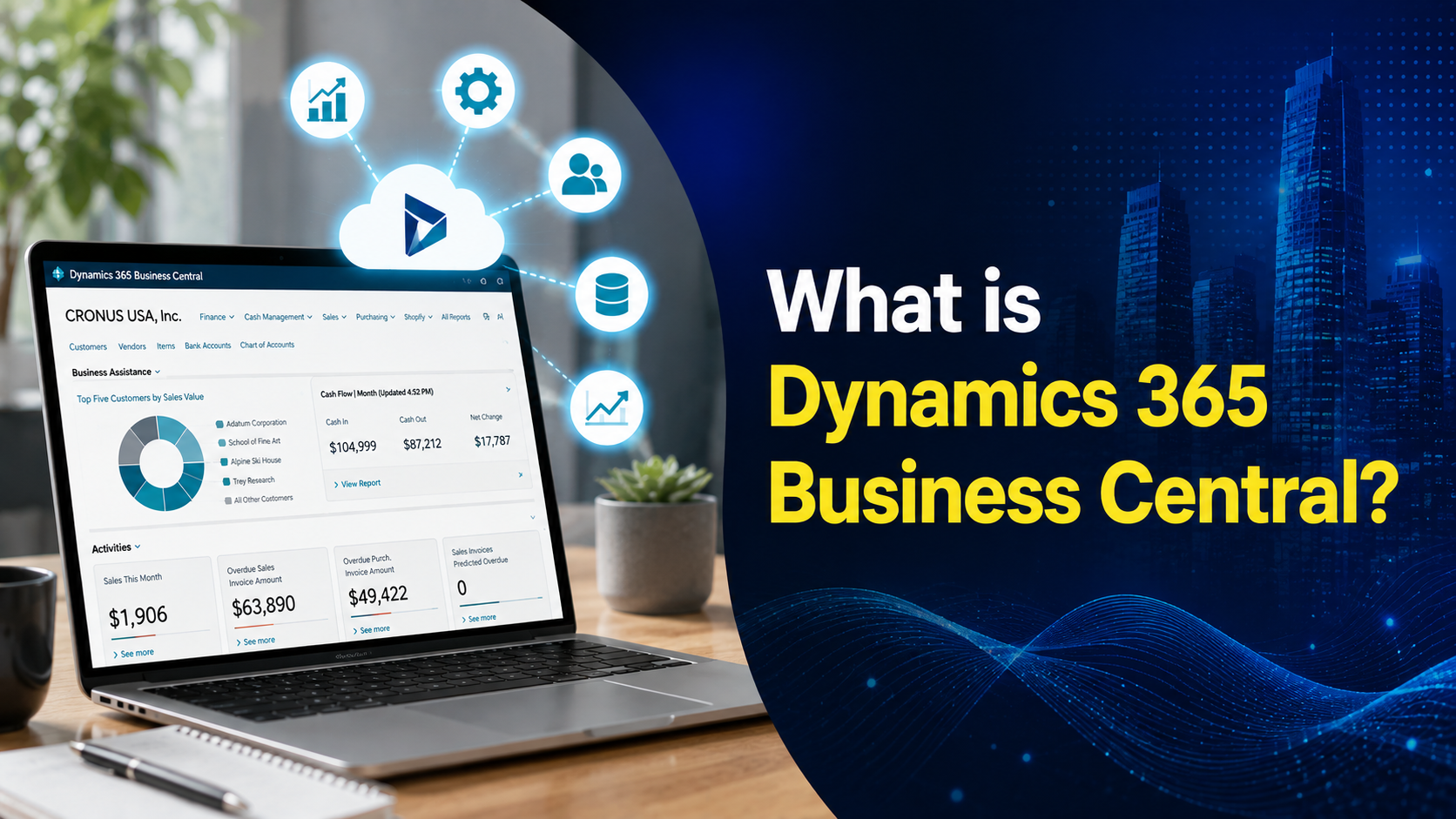
Microsoft Dynamics 365 Business Central is a cloud-based ERP solution purpose-built for small and mid-sized businesses. It brings finance and accounting, sales, supply chain, and operations together in a single, connected platform.
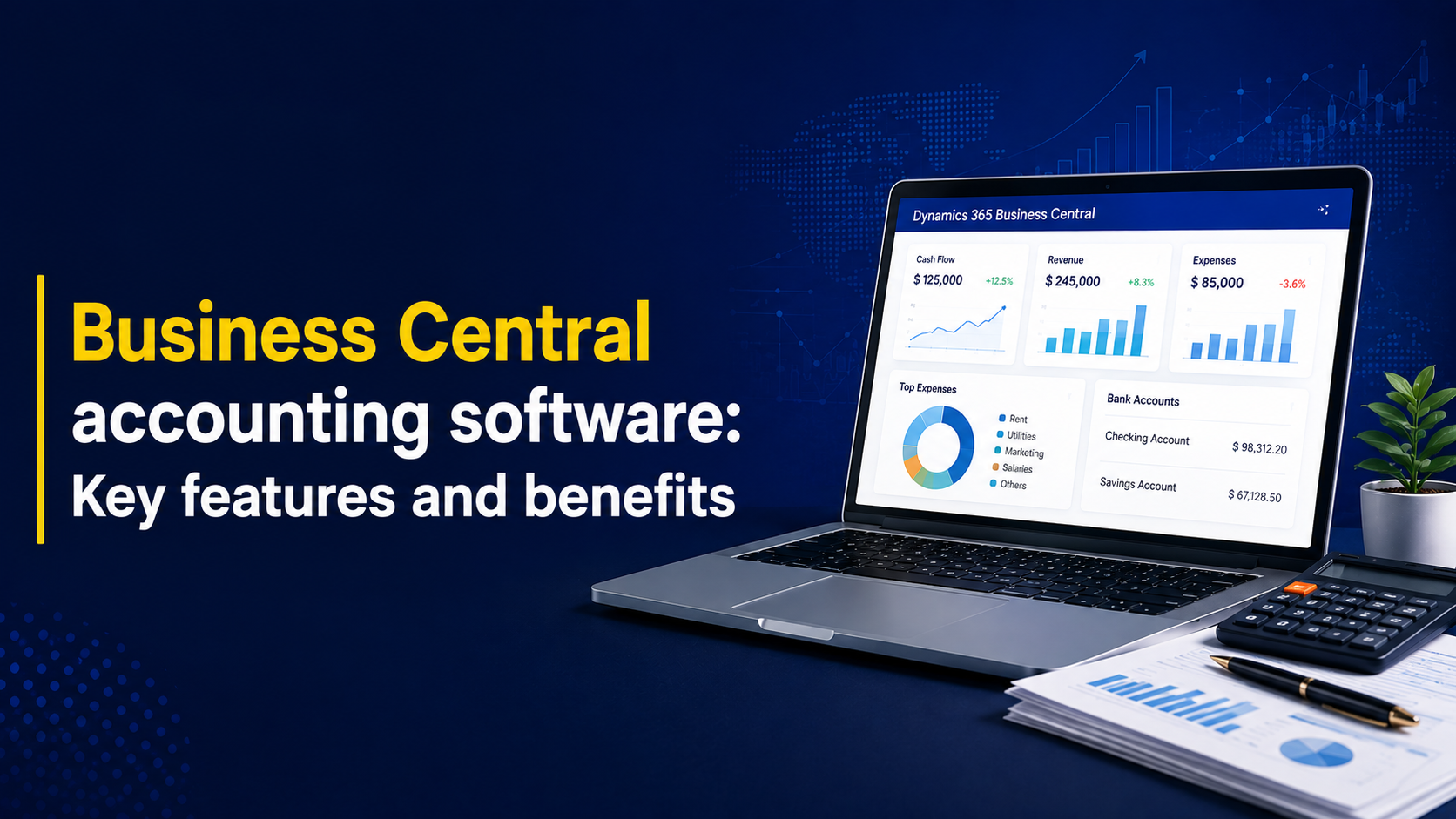
As an accounting solution specifically, Business Central automates the day-to-day work of running your books managing the general ledger, tracking income and expenses, processing invoices and payments, and giving you a real-time view of your financial health. It combines the fundamentals of traditional accounting software with the depth of full ERP functionality, so your finance team gets a genuinely live picture of the business, not a report that’s already a week old.
Because Business Central is part of the Microsoft ecosystem, it connects naturally with the tools your team already uses Excel, Outlook, and Power BI so data moves freely instead of getting stuck in silos. For companies looking to move on from entry-level accounting software, this is often the deciding factor: Business Central doesn’t just replace your books, it modernizes how your whole finance function operates.
Key Benefits of Business Central Accounting Software
Here’s what businesses typically gain after moving to Business Central:
- Real-time financial visibility — Live dashboards and native Power BI integration mean your finance team always has current numbers, not last month’s snapshot.
- Higher team productivity — Automating routine bookkeeping tasks frees your staff to focus on analysis and strategy instead of data entry.
- Fewer errors, faster closes — Automated reconciliation and reduced manual entry shorten your month-end close and improve the reliability of your records.
- Room to grow — Business Central scales with your business as transaction volume, entities, and users increase no need to “outgrow” the system and start over.
- Deep Microsoft integration — Native connections to Excel, Outlook, Power BI, and other Dynamics 365 apps mean less friction and more value from tools your team already knows.
- Work from anywhere — Cloud accessibility lets finance teams collaborate remotely, and controlled external access simplifies working with auditors and advisors.
- Stronger compliance and audit readiness — Built-in audit trails and role-based permissions keep you compliant and make audits far less painful.
- Built-in AI tools — Copilot-powered features help generate insights, draft financial narratives, and automate repetitive tasks for faster decision-making.
Core Accounting Capabilities Inside Business Central
General Ledger Management
Business Central automates transaction posting and simplifies even complex chart-of-accounts structures. Multi-dimensional accounting lets you slice data by department, project, region, or any dimension that matters to your business, giving accountants a clear, real-time view of performance.
- Detailed chart of accounts
- Multi-dimensional transaction tagging
- Real-time budget-to-actual comparisons
Accounts Payable and Receivable
Managing vendor payments and customer collections becomes far less manual. Business Central automates invoice creation, tracks payments, and streamlines approval workflows improving cash flow visibility and cutting down on processing errors.
- Automated approval workflows
- Detailed customer and vendor ledgers
- Streamlined payment and collections management
Bank Reconciliation and Cash Management
With Copilot-assisted automation, Business Central matches bank statements against general ledger balances, dramatically cutting the time spent on month-end reconciliation. Built-in cash management tools also give you real-time visibility into liquidity and short-term cash forecasting.
- Automated bank statement reconciliation
- Multi-bank and multi-currency account support
- Real-time cash flow forecasting
Fixed Asset Management
Track the full lifecycle of your assets — from acquisition to depreciation to disposal — without manual spreadsheets. Automated depreciation postings and asset reporting keep your financial statements accurate and compliant.
- Automated depreciation calculations
- Full asset lifecycle tracking
- Comprehensive asset valuation reporting
Budgeting and Forecasting
Business Central’s budgeting tools support detailed variance analysis and scenario modeling, so finance leaders can react to market shifts with real data instead of guesswork.
- Budget creation with variance analysis
- Real-time scenario modeling
- Direct integration with financial performance reports
Tax and Compliance Management
Automated tax calculation and configurable tax rules help you stay compliant across jurisdictions without adding manual work for your team.
- Automated tax calculation and reporting
- Configurable tax rules and rates
- Multi-jurisdictional tax support
Audit Trails and Security
Every transaction is logged with user activity and timestamps, making audit prep dramatically simpler. Role-based permissions enforce segregation of duties and protect sensitive financial data.
- Detailed transaction history
- Role-based user permissions
- Stronger internal controls for regulatory compliance
Financial Reporting and Analytics
Generate customizable financial statements — P&L, balance sheet, cash flow — in real time, with Power BI integration for deeper visual analysis and one-click export to Excel.
- Customizable financial statements
- Power BI-powered analytics
- Direct export to Microsoft Excel
Multi-Currency and Global Operations
For businesses operating across borders, Business Central manages multi-currency transactions, automatically updates exchange rates, and simplifies consolidation across international subsidiaries.
- Automatic currency conversion and revaluation
- Multi-currency transaction support
- Simplified global financial consolidation
Why Businesses Choose Nevas Technologies as Their Business Central Partner
Picking the right accounting software is only half the equation — getting real value out of it depends on how well it’s implemented, configured, and supported. That’s where a specialized partner makes the difference.
Nevas Technologies has spent over 20 years helping businesses across North America and beyond implement, upgrade, and optimize Microsoft Dynamics solutions. With 200+ clients and a team of certified Microsoft Dynamics consultants, we know how to configure Business Central around how your business actually operates — not a generic template.
Here’s how we help:
- Business Central Implementation — Structured, right-sized rollouts that get your team live and productive fast, including our accelerated 30-day implementation plan.
- Business Central Consulting — Ongoing strategic guidance to configure and extend the platform as your business grows.
- Business Central Pricing & Licensing — Clear, unbiased guidance on choosing the right license tier for your team.
- Business Central Training — Hands-on training so your finance team gets full value from day one.
- Business Central Extensions — Custom development and integrations tailored to your workflows.
- Business Central Cloud and On-Premise deployment options — Flexibility to run the system the way that fits your IT strategy.
If you’re currently running QuickBooks or an aging system like Dynamics NAV, we also specialize in migration:
- QuickBooks to Business Central Migration — For growing businesses that have outgrown entry-level accounting software.
- Dynamics NAV to Business Central Upgrade — For organizations ready to modernize their existing Dynamics NAV investment.
Is Business Central Right for Your Business?
Business Central accounting software is built for organizations that have outgrown basic bookkeeping tools but don’t need — or want to pay for — the complexity of enterprise-scale ERP. If your finance team is losing time to manual reconciliation, disconnected spreadsheets, or reporting that’s always a step behind, Business Central closes that gap while giving you room to scale for years to come.
Next Steps
Microsoft Dynamics 365 Business Central turns accounting from a back-office chore into a real-time strategic advantage — combining powerful financial management with the ease of use your team actually wants. Businesses that make the switch see faster closes, better visibility, and stronger financial accuracy across the board.
Ready to see what Business Central accounting software could do for your business? Schedule a free demo with our Microsoft Dynamics experts, or get a custom quote to start your implementation.