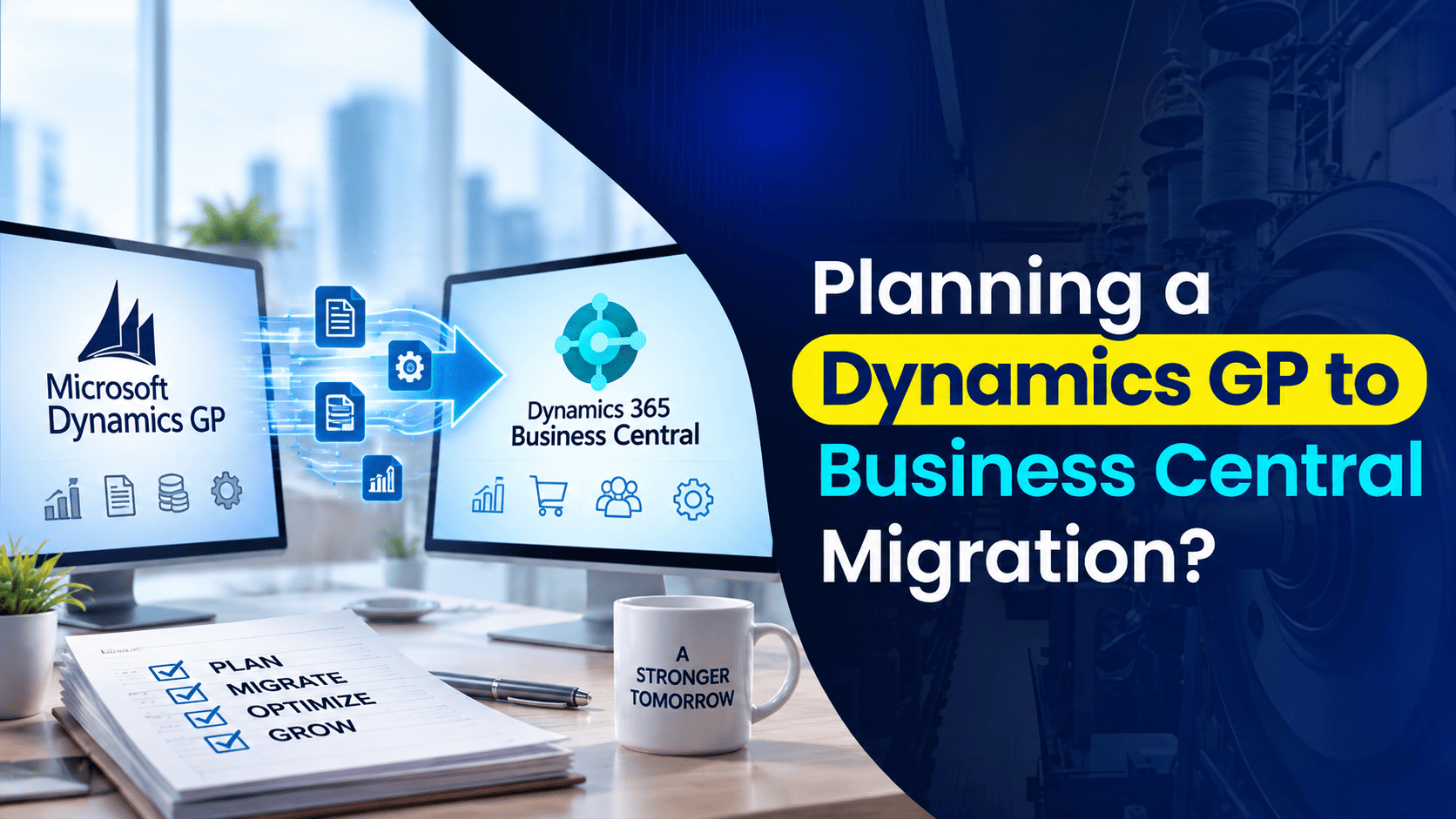
If you’re evaluating a move from Dynamics GP to Business Central, the software decision is often the easy part. What actually keeps finance and IT leaders up at night is the project itself: how long it takes, what your team is expected to do, and when things might go sideways. Vague timelines and generic project plans don’t help much when you’re trying to explain this to your CFO or your board.
So instead of talking in abstractions, this guide walks through what a Dynamics GP to Business Central migration actually looks like in practice, stage by stage, so you know what to expect before you commit to a date.
How Long Does a Dynamics GP to Business Central Migration Take?
For a lower-complexity environment, a Dynamics GP to Business Central migration typically runs somewhere in the range of 8 to 14 weeks, followed by a focused stabilization period after go-live. That range assumes a relatively standard GP setup: a manageable number of integrations, customizations that are documented (or at least known), and a project team that can dedicate real time to testing and training along the way.
That range moves in both directions depending on your specific situation. Heavier customization, multiple entities, complex integrations, or a project team that can only carve out limited hours each week will all extend the timeline. A cleaner environment with a focused, available team can move toward the shorter end.
Here’s how a typical migration breaks down:
| Stage | Typical Timeframe | Focus |
|---|---|---|
| 1. Discovery and Scoping | Weeks 1 to 2 | Understanding your current GP environment and defining project scope |
| 2. Data Readiness | Weeks 2 to 4 | Cleaning, validating, and preparing data for migration |
| 3. System Build and Configuration | Weeks 4 to 6 | Configuring Business Central to match your actual business processes |
| 4. Testing and Validation | Weeks 6 to 8 | Verifying data, workflows, and reporting in a sandbox environment |
| 5. Training and Cutover Prep | Weeks 8 to 10 | Role-based training and building the go-live plan |
| 6. Go-Live | Week 10 or 11 | Users begin working in Business Central |
| 7. Post-Go-Live Stabilization | Days 1 to 30 after go-live | Hands-on support through your first close cycle |
Each of these stages matters more than it might seem from the outside. Skipping or rushing any one of them tends to show up later, usually at the worst possible time: go-live week.
Stage 1: Discovery and Scoping
Before any configuration work begins, the project team needs a clear, honest picture of your current GP environment. That means reviewing your chart of accounts, active modules, workflows, integrations, and any customizations that have accumulated over the years, some of which nobody currently at the company may fully remember building.
This is also where project scope actually gets defined: what’s moving to Business Central as-is, what needs to be rebuilt using native functionality, and what’s being retired altogether because it’s no longer relevant to how the business runs today.
Discovery is the stage most likely to surface unexpected complexity, an integration nobody flagged, a customization that turns out to be load-bearing for a specific department’s workflow, a reporting process that only one person understands. Finding these things now, while there’s still time to plan around them, is far better than discovering them during go-live week.
Stage 2: Data Readiness
There’s an old, slightly cynical truth in ERP projects: bad data doesn’t disappear during a migration, it just moves to a new system with you, still bad. Data readiness is where that gets addressed head-on.
This stage typically involves reviewing and cleaning up vendor and customer records, retiring inactive accounts, resolving duplicate entries, and validating that historical balances and open transactions are accurate before anything moves. It’s tempting to treat this as a purely technical task, but it’s really a business decision: what data is actually worth carrying forward, and what’s just clutter you’ve been tolerating in GP for years?
Teams that treat this stage seriously tend to have noticeably smoother migrations. Teams that rush past it tend to spend the weeks after go-live cleaning up the same mess in a new system, which defeats a lot of the point of migrating in the first place.
Stage 3: System Build and Configuration
With discovery complete and data prep underway, the actual configuration work begins. This is where Business Central gets set up to reflect how your business actually operates, not a generic template, and not a copy-paste of your old GP setup either.
That includes configuring workflows, setting up integrations with other systems, translating relevant customizations into Business Central’s native tools and extensions where possible, and establishing the permissions and roles your team will actually use day to day. The discovery work from Stage 1 is what makes this process feel deliberate rather than reactive; without it, this stage tends to involve a lot of backtracking.
Stage 4: Testing and Validation
Once the system is built, it needs to be proven, not assumed, before anyone depends on it for real work. That happens in a sandbox environment, separate from your live data, where key users run through actual business processes: processing a sales order, closing a period, running core reports, reconciling accounts.
This stage exists specifically to catch problems while they’re still cheap to fix. A missing permission, a report that’s pulling the wrong data, a workflow step that got dropped in translation from GP, these are far better discovered in week seven of testing than in week one of actually running the business on the new system. Teams that give this stage real time and real user involvement consistently have calmer go-lives than teams that treat it as a formality.
Stage 5: Training and Cutover Prep
By this point, the system itself is largely ready. What’s left is making sure your people are ready too, and that the actual transition is mapped out in detail.
Training should be role-based rather than generic: a finance user and a warehouse user need very different things from Business Central, and treating training as one-size-fits-all tends to leave people underprepared for the parts of the system they’ll actually use daily. Alongside training, this stage is also where the cutover plan gets built: the specific sequence of what happens when, who’s responsible for each step, and how the final transition from GP to Business Central will actually be executed.
A detailed cutover plan is one of the more underrated parts of a successful migration. Teams that treat go-live as something they’ll figure out in the moment tend to have far rockier launches than teams that map it out in advance.
Stage 6: Go-Live
This is the moment everything else has been building toward: your team starts working in Business Central for real. After weeks of discovery, data cleanup, configuration, testing, and training, go-live tends to be far less dramatic than people expect, and that’s exactly the point. A well-prepared go-live should feel almost anticlimactic. The excitement, and the risk, gets front-loaded into everything that happened before this day, not concentrated into it.
Stage 7: Post-Go-Live Stabilization
Go-live isn’t the finish line. It’s the start of your team actually living in the new system, and that first stretch deserves real attention. The 30 days following go-live are typically the most important window for hands-on support, particularly around transaction processing questions and your first month-end close in the new system.
Month-end close tends to be the real test of a migration. It’s the first time your team runs a full, familiar business process from start to finish in an unfamiliar system, and it often surfaces questions that didn’t come up during training simply because training doesn’t always simulate every real-world scenario. Having dedicated support available through that first close cycle, rather than assuming the team is fully self-sufficient the moment they go live, makes a meaningful difference in how smoothly that period goes.
After the first close cycle is complete, most organizations transition into an ongoing support relationship rather than an intensive, project-based one, since the heaviest lift is now behind them.
What Actually Determines Whether Your Timeline Runs Longer or Shorter
The stage breakdown above assumes a relatively contained environment. Several factors can meaningfully stretch that timeline, and it’s worth understanding them upfront rather than being surprised by them mid-project:
- Volume and complexity of customizations – GP’s flexibility means many businesses have accumulated years of custom fields, modified forms, and workaround logic. The more of this that exists, and the less of it that’s documented, the longer discovery and build stages take.
- Number and complexity of integrations – A GP environment connected to a handful of well-documented systems moves faster than one tangled into a dozen integrations built by different people over different years.
- Multiple entities or locations – Migrating a single-entity business is a fundamentally different scope than migrating a multi-entity organization with intercompany transactions and consolidated reporting needs.
- Data volume and historical data decisions – Larger transaction histories take longer to clean, validate, and decide what to actually migrate versus archive separately.
- Team availability – A migration is not something that happens entirely in the background. It requires real time from your finance and operations team, particularly during testing and training. Limited availability from key users is one of the most common reasons timelines slip.
- Industry-specific requirements – Manufacturing, distribution, and other operationally complex businesses often need deeper configuration work than a straightforward professional services environment.
None of these factors make migration a bad idea. They just mean the 8 to 14 week range above is a starting point for conversation, not a universal promise, and a proper assessment of your specific environment is what turns that range into a real, defensible project timeline.
How to Set Your Team Up for a Smoother Migration
A few patterns consistently separate smoother migrations from difficult ones, regardless of company size or industry:
- Take discovery seriously – The time spent understanding your current environment upfront almost always pays for itself later.
- Treat data cleanup as a business decision, not a technical chore – Decide deliberately what’s worth carrying forward.
- Give testing real time and real user involvement – A sandbox environment only catches problems if people actually use it the way they’ll use the live system.
- Make training role-specific – Generic training leaves people underprepared for the parts of the system that matter most to their job.
- Build a detailed cutover plan – Knowing exactly what happens on go-live day, and in what order, removes most of the last-minute chaos.
- Plan for month-end close, not just go-live – The first close cycle, not the first day, is usually the real test of how well the migration went.
Frequently Asked Questions
How long does a GP to Business Central migration typically take?
For a lower-complexity environment, most migrations run in the range of 8 to 14 weeks, followed by a focused support period through the first month-end close. More complex environments, with heavier customization, more integrations, or multiple entities, generally take longer.
What’s the biggest risk during a GP to Business Central migration?
Undocumented customizations tend to be the most common source of surprises. GP’s flexibility means many businesses have accumulated years of custom logic, integrations, and workarounds that nobody fully documented. Thorough discovery early in the project is what surfaces these before they become go-live problems. Data quality is also important, but tends to be more visible and easier to plan around than hidden customizations.
Do our employees need to be involved during the migration, or can IT handle it alone?
Employee involvement matters significantly, particularly during testing and training. Key users who understand your actual day-to-day processes are essential for validating that the new system genuinely works the way your business operates, not just the way it was configured to work on paper.
What happens immediately after go-live?
The period right after go-live, typically the first 30 days, is usually when a migration team stays closely involved, focusing on transaction support and guidance through your first month-end close, since that’s often where real-world questions surface that didn’t come up during training.
Can a business with heavy GP customizations still migrate to Business Central?
Yes. Heavy customization doesn’t rule out migration, but it does mean the discovery phase deserves extra attention to determine what should carry forward as-is, what should be rebuilt using Business Central’s native tools and extensions, and what may no longer be necessary at all.
Is Business Central difficult to learn for long-time GP users?
There’s a genuine learning curve, since GP and Business Central approach some things differently, and years of muscle memory don’t transfer perfectly. Most users adjust faster than they expect, particularly with role-based training built into the migration process rather than treated as an afterthought. The first month-end close tends to be the real adjustment point.
What data actually moves during the migration versus what gets left behind?
Core data such as master records, open transactions, and current balances typically moves into Business Central. Deep historical transaction detail is often archived separately rather than fully migrated, since retaining full historical detail inside the live system isn’t always necessary or practical. The right split depends on your specific reporting and retention needs.
Should we migrate now, or wait until we have more time to prepare internally?
That depends on your specific pressures, whether that’s Dynamics GP’s support timeline, growing operational needs, or simply wanting more control over your own schedule. What matters most is that the decision is made deliberately, with a proper assessment of your environment, rather than by default because the conversation kept getting pushed to next quarter.
Final Thoughts
A Dynamics GP to Business Central migration is a real project, not a weekend software swap, but it’s also far more structured and predictable than most finance and IT leaders expect going in. The stages above aren’t arbitrary. Each one exists because skipping it tends to create a bigger, more expensive problem later in the project, usually right around go-live, which is exactly when you can least afford surprises.
If you’re trying to figure out what a realistic timeline would actually look like for your specific GP environment, that starts with an honest assessment, not a generic estimate. Nevas Technologies has spent over 20 years helping organizations plan and execute migrations from Dynamics GP to Business Central, with 200+ clients and a team of certified Microsoft Dynamics consultants who can walk you through what your specific project would realistically involve, from discovery through your first month-end close and beyond.