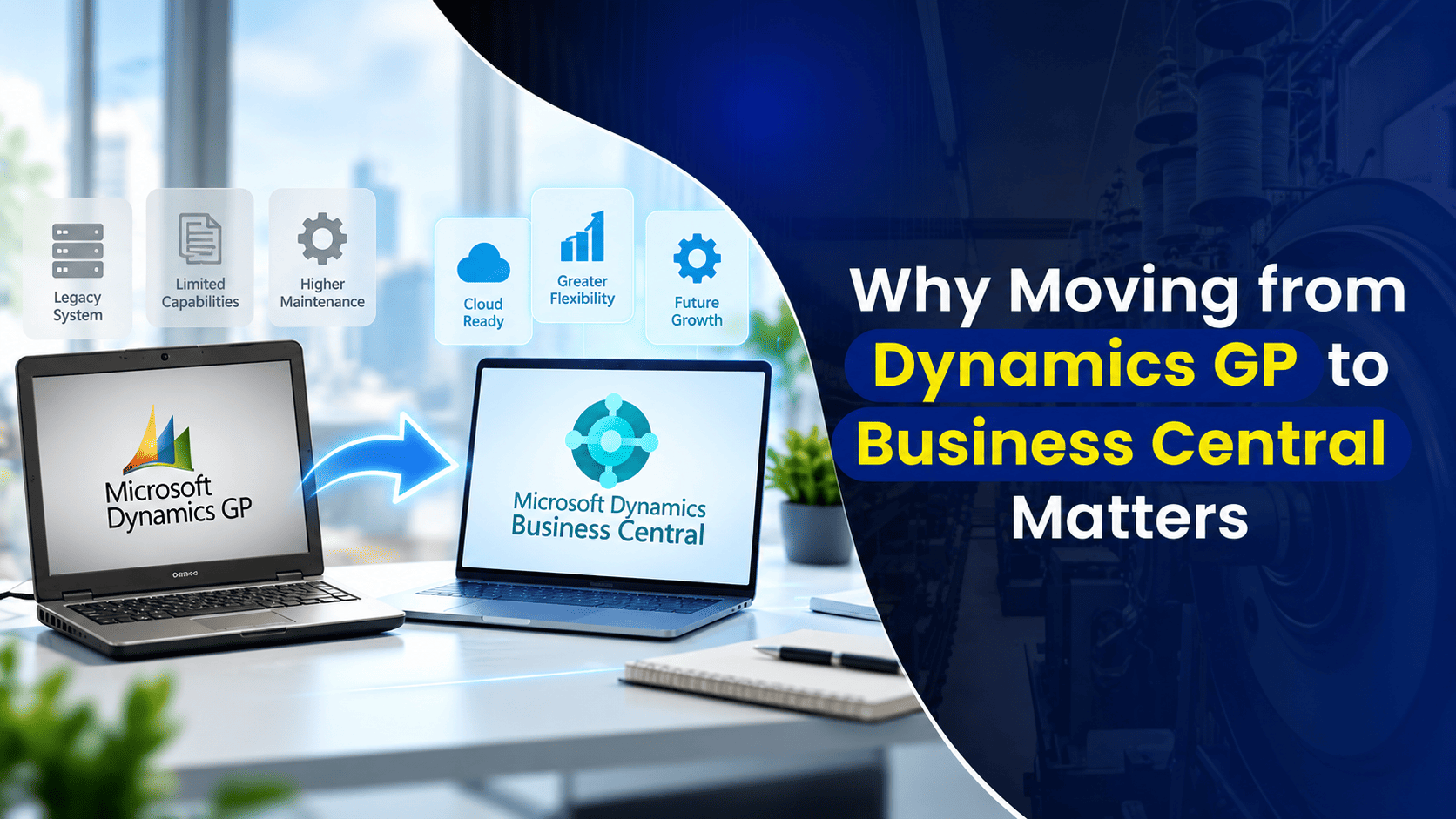
There’s a particular kind of risk that doesn’t feel like risk at all. It feels like stability. You know the system, your team knows the system, and it does what it’s always done. Dynamics GP has earned that kind of trust for a lot of businesses, quietly running finance and operations in the background for years, sometimes decades, without much drama.
That’s exactly what makes this conversation harder than it should be. Staying on GP doesn’t feel like a decision. It feels like the absence of one. But with Microsoft’s confirmed retirement timeline now in place, that absence of a decision is becoming a decision of its own, and it’s worth being honest about what it actually costs.
The Cost of Staying Comfortable
Familiarity has real value. It also has a shelf life, and GP’s is now clearly marked. As Microsoft’s support timeline plays out, updates, security patches, and long-term product investment wind down, and the businesses still running GP inherit that gap directly.
A few places where that cost shows up in practice:
- Security exposure grows quietly, then all at once – On-premises systems like GP weren’t built for today’s threat landscape. Many rely on older authentication methods and manual auditing processes that modern attackers know how to work around. The risk doesn’t announce itself until something actually happens, and by then, the cost is no longer theoretical.
- Compliance gets harder to demonstrate, not easier – Regulatory requirements keep evolving. Legacy systems, by definition, stop evolving with them. Businesses running aging technology increasingly have to build manual workarounds just to meet standards the software itself was never updated to support, and that gap tends to widen every year support isn’t renewed.
- Integration and collaboration hit a ceiling – Modern work runs through Microsoft 365, Teams, and the Power Platform. GP’s ability to connect with those tools is limited by design, since it predates most of them. That limits productivity in ways that are easy to underestimate because they show up as small daily frictions rather than one dramatic failure.
- The people who know GP well are getting harder to find – As more businesses migrate, the pool of consultants and internal staff with deep GP expertise keeps shrinking. That’s a quiet risk, but a real one, especially for organizations whose GP environment depends on a small number of people who understand its customizations.
None of these show up on a balance sheet the way a software subscription does. That’s precisely why they’re easy to underweight, and why “we’ll deal with it later” so often turns into “we didn’t deal with it in time.”
For the full breakdown of Microsoft’s support timeline and what it means for your specific version, see The Retirement of Dynamics GP: What Your Specific Version Means for You.
What Moving to Business Central Actually Changes
Dynamics 365 Business Central isn’t just where Microsoft is pointing GP customers. It’s built specifically to close the gaps GP was never designed to close: cloud-based security that updates continuously rather than on a fixed patch cycle, native integration with Microsoft 365 and the Power Platform, and built-in AI through Copilot that GP has no equivalent for at all.
Organizations that make this move tend to see the shift show up in a few consistent ways: less time spent on manual reconciliation and data entry, real-time visibility into financials instead of end-of-month reporting lag, and a system that actually gets easier to use over time instead of harder to maintain. The specifics vary by business, but the direction is consistent. Businesses stop managing the system and start using it.
For a full feature-by-feature comparison between the two platforms, see Dynamics GP vs. Business Central: Understanding the Core Differences.
Why Businesses Hesitate, and Why That’s Understandable
Cost, complexity, and disruption are the three reasons we hear most often for delaying a transition, and all three are legitimate concerns, not excuses. Migrating a core financial system is a real undertaking, and nobody should pretend otherwise.
But here’s the part that’s worth sitting with: delay doesn’t make any of those three concerns smaller. As GP’s infrastructure ages and support diminishes, the cost of simply maintaining it tends to rise, not fall. The longer a migration gets pushed back, the more data, customization, and institutional knowledge accumulates around a system that’s actively losing support, which makes the eventual migration more complex, not less. What feels like postponing disruption usually just relocates it to a moment with less runway to plan around.
That’s not a reason to rush. It’s a reason to plan deliberately, on your own timeline, rather than by default.
There Isn’t Just One Way to Make This Move
One of the more useful things to understand going in is that “migrating to Business Central” isn’t a single, fixed process. Depending on your environment, your goals, and how much you want to change along the way, there are generally a few different paths:
- A standard transition – which moves your existing GP setup and processes into Business Central with minimal redesign, well suited to businesses whose current workflows are working fine and don’t need reinvention.
- A net new implementation – which rebuilds your system in Business Central based on how your business operates today, rather than replicating GP’s structure exactly. This suits businesses whose processes have drifted or grown more complex than their original GP setup was designed to handle.
- A broader transformation strategy – which uses the migration as an opportunity to rethink workflows more significantly, often alongside other technology or process changes happening at the same time.
None of these is inherently right or wrong. The right path depends on your specific environment, your customizations, and how much change your organization is ready to absorb at once. It’s also worth reviewing any add-on products currently running inside your GP environment, since many vendors have already rebuilt their tools for Business Central, which can simplify the transition considerably.
A Plan, Not Just a Decision
The transition itself matters, but so does the planning that happens before it starts: a proper assessment of your current environment, a clear view of what should move over versus what should be rebuilt, and a realistic timeline that fits your business rather than a generic one.
For a practical checklist of what belongs in that planning process, see Dynamics GP in 2027: What Should Be in Your Business Plan.
How Nevas Technologies Can Help
Moving off Dynamics GP is a real project, and it deserves a partner who treats it that way, not a one-size-fits-all sales pitch. Nevas Technologies has spent over 20 years helping businesses navigate exactly this kind of transition, with 200+ clients and a team of certified Microsoft Dynamics consultants who understand both the technical realities of legacy GP environments and the operational realities of running a business through a system change.
Here’s how we help:
- Assessing your current GP environment, customizations, and add-on products to determine the right transition path for your business
- Reviewing security, compliance, and integration gaps specific to your setup, so the risk conversation is grounded in your actual environment, not generalities
- Planning a migration timeline and budget that fits your business, whether that’s a standard transition, a net new implementation, or a broader transformation
- Managing data migration and configuration with a focus on accuracy and minimal disruption
- Providing training and ongoing support so your team is genuinely productive in Business Central, not just technically migrated
Frequently Asked Questions
Is it really riskier to stay on Dynamics GP than to migrate?
The risk of staying isn’t dramatic or immediate, which is exactly what makes it easy to underestimate. Security exposure, compliance gaps, and shrinking access to GP expertise all tend to compound quietly over time rather than causing a single obvious failure, which is different from being low risk.
What’s the difference between a standard transition and a net new implementation?
A standard transition moves your existing GP setup and processes into Business Central with minimal redesign. A net new implementation rebuilds your system around how your business actually operates today, which tends to suit organizations whose processes have grown more complex than their original GP configuration.
Will our GP add-on products work in Business Central?
It depends on the product. Many third-party vendors that built add-ons for GP have already released equivalent tools for Business Central, so it’s worth reviewing your current add-ons as part of the planning process rather than assuming anything will or won’t transfer.
Does moving to Business Central mean redesigning everything we do?
Not necessarily. That’s really a choice, not a requirement. A standard transition can preserve your current processes closely, while a broader transformation approach intentionally uses the migration to rethink workflows. Which path fits depends entirely on your business.
How do we know which transition path is right for us?
That starts with an honest assessment of your current GP environment, including customizations, integrations, and how well your existing processes are actually serving the business today. That assessment should come before deciding on an approach, not after.
Next Steps
Staying on Dynamics GP might still feel like the safer, simpler choice. The reality is that comfort and safety aren’t the same thing, and the cost of waiting tends to grow quietly in the background until it doesn’t anymore.
Schedule a free GP transition assessment with our Microsoft Dynamics team to understand your options, or get a custom quote to start planning your move to Business Central.