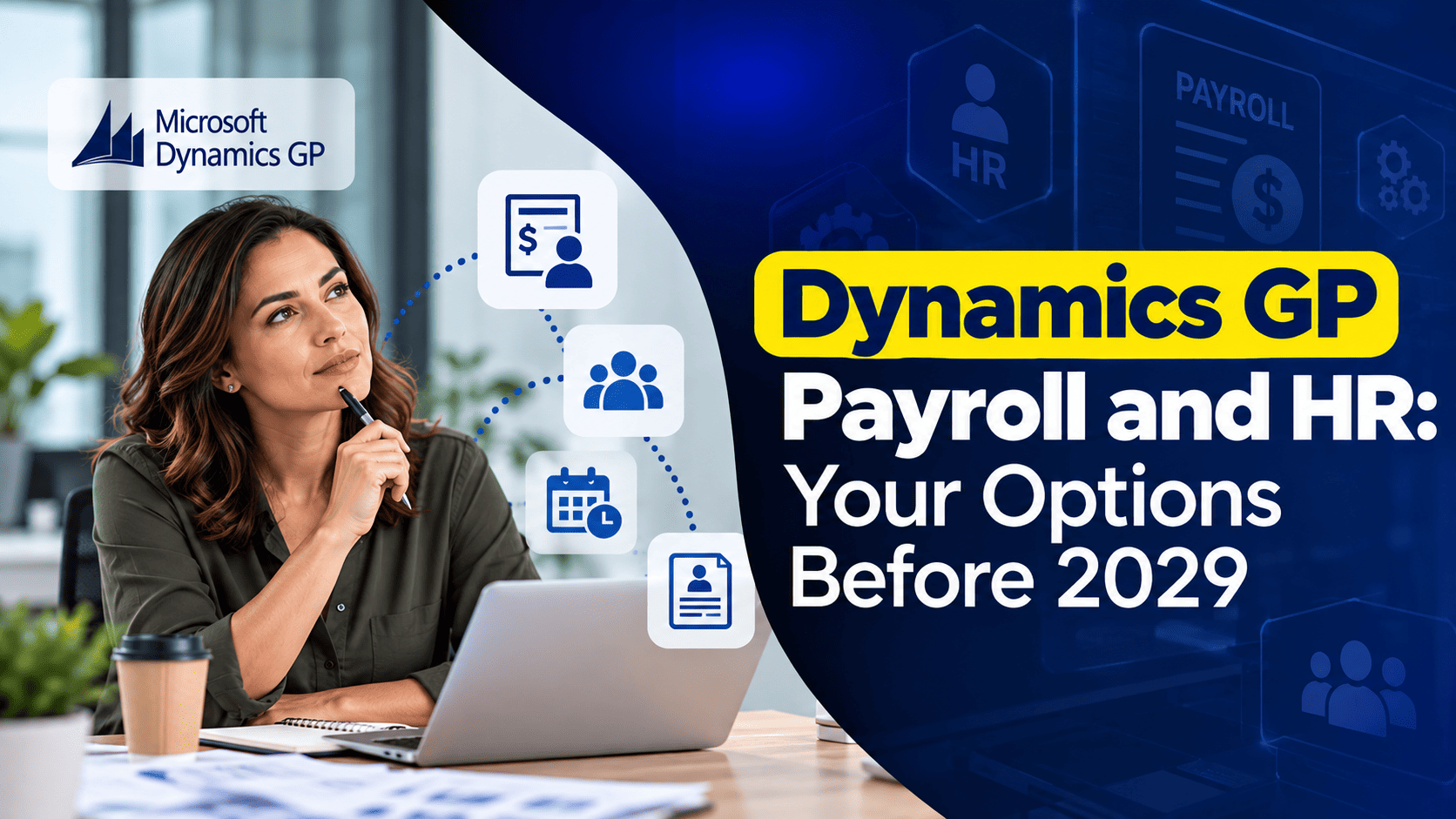
For most companies on Dynamics GP, the end of Microsoft support is a project for the finance and IT teams. For companies that run payroll in Dynamics GP, it is also a compliance deadline. Once Microsoft stops issuing tax updates, the withholding tables, wage limits and year-end forms in Microsoft Dynamics GP (Great Plains) will no longer change when the law does.
This article explains what stops and when, why payroll cannot simply follow the general ledger to a new system, the main options for payroll and HR, and a realistic timetable. It is written for owners, controllers and HR managers who need to make the decision, rather than for the technical team that will carry it out in Microsoft Dynamics GP.
What Stops in 2029, and What Continues Until 2031
Microsoft has announced that product enhancements, regulatory and tax updates, and technical support for Dynamics GP end on December 31, 2029. Security updates will be provided, if needed, until April 30, 2031.
For payroll, the practical meaning is this. The final year-end update is expected in late 2029, and according to Dynamics Communities, it should include the payroll tax changes needed for January 2030 in the United States and Canada. After that, no further tax tables will arrive. A company could still calculate payroll in Dynamics GP during 2030, but every federal or state change would have to be entered by hand, and no year-end update would follow for 2030 forms.
The software itself will not stop. Dynamics GP will open, and your history will remain readable. What ends is the assurance that the tax calculations are current.
Why Payroll Cannot Simply Follow the General Ledger
Many Dynamics GP customers plan a move to Dynamics 365 Business Central, Microsoft’s successor product for small and mid-sized companies. Microsoft Dynamics 365 Business Central covers finance, purchasing, sales and inventory well, but it does not include a United States payroll module. Payroll is provided either by add-on products built for Business Central or by external payroll services that send journal entries to the ledger.
This has two consequences. First, payroll needs its own selection process, separate from the ERP choice. Second, a company can change payroll and ERP at different times, which is often wise, because moving both on the same day doubles the risk. Most finance teams will recognize the value of keeping one major change apart from another.
The Four Main Options at a Glance
| Option | How it works | Best suited to | Main consideration |
|---|---|---|---|
| Stay on GP payroll for now | Keep Dynamics GP payroll while the ERP moves, until a fixed exit date. | Companies that need more time. | A firm exit date is still required. |
| Outsource to a payroll provider | A provider calculates pay and files taxes, and journal entries flow to the ledger. | Companies that want to remove payroll work from finance. | Less direct control and per-employee fees. |
| Business Central with a payroll add-on | A payroll product that runs inside Business Central. | Companies moving to Business Central that want payroll in the ERP. | Choice of vendor and dependence on it. |
| Separate HR and payroll platform | A cloud platform for HR, payroll and time, connected to the ERP. | Larger workforces or complex HR needs. | Integration and subscription cost. |
The Options in More Detail
Staying on GP Payroll for Now
Keeping payroll in Dynamics GP while the ERP moves is a valid choice. It gives the payroll team time and avoids changing everything at once. The risk is that the exit date drifts. We recommend fixing the payroll change for January 1, 2029 or earlier, so that a full year of margin remains before the tax updates stop. Staying on a current release through a regular Dynamics GP upgrade is also essential, because year-end updates require a recent version.
Outsourcing to a Payroll Provider
National and regional providers calculate pay, file taxes and produce W-2s, and they take responsibility for tax tables. The finance team receives a journal entry each pay period, which can be imported into Dynamics GP or Business Central. This option removes the most compliance work, but it offers less flexibility for complex pay rules, and fees are usually charged per employee or per pay run. Check carefully how a provider handles job costing, union rules or employees in several states if these matter to you.
Business Central with a Payroll Add-on
Several software vendors offer payroll that runs inside Business Central, for example Integrity Data’s Payroll NOW. Pay data, posting and reporting then stay in one system, which is close to what Dynamics GP users know today. Before choosing, check the vendor’s size, its experience with Dynamics GP migrations, how it delivers tax updates, and its license and support costs.
A Separate HR and Payroll Platform
Cloud platforms for human capital management combine payroll with recruitment, onboarding, benefits, time tracking and employee self-service. Some providers that serve the Dynamics GP market, such as Greenshades, can also connect to Dynamics GP while it remains in use. These platforms suit companies whose HR needs have grown beyond Dynamics GP’s HR module. The trade-off is another subscription and an integration that must be maintained.
Questions to Ask Any Payroll Vendor
Whichever route you choose, put the same questions to every candidate.
- How are federal, state and local tax changes delivered, and how quickly?
- Can the system handle our pay rules, such as shift premiums, employees in several states or union deductions?
- How does pay data reach the general ledger, and at what level of detail?
- How much payroll history will be migrated, and who validates it?
- What does support cost, and who answers when a pay run fails late on a Friday?
An organization that asks these questions in writing finds it far easier to compare offers.
HR Data and Payroll History
Payroll history does not disappear when Dynamics GP stops receiving updates, but it must remain accessible. You may need it to reissue a W-2, answer an auditor or respond to a state agency, and IRS guidance asks employers to keep employment tax records for at least four years.
The usual approaches are:
- Keep Dynamics GP available for inquiries and reprints. Perpetual Dynamics GP licenses continue to allow this after 2029; if you use subscription licensing, confirm the terms of your Dynamics GP license with your partner.
- Move summary history into the new payroll system, normally year-to-date totals and, where possible, several prior years.
- Archive detailed history in a reporting database, so that it can be queried without GP.
HR data needs the same care. Employee records, reviews, training and benefit history in Dynamics GP’s Human Resources module rarely map one to one to a new system. Analyzing which fields are really used, and which customization has been added over the years, reduces the effort considerably.
A Realistic Timeline for the Decision
Payroll changes are best made at the start of a calendar year, so that one system produces the whole year’s W-2s. A change in the middle of the year means loading year-to-date balances and reconciling two systems at year-end. That gives a simple planning rule: count back from the January in which the new payroll goes live.
| When | Step |
|---|---|
| Late 2026 to early 2027 | List payroll and HR requirements, pay rules, integrations and customizations. |
| 2027 | Compare the options and choose the payroll route. |
| First half of 2028 | Configure the new system and load employee data. |
| Second half of 2028 | Run parallel payrolls and reconcile them with Dynamics GP. |
| January 1, 2029 | Go live, with a full year of margin before tax updates stop. |
If January 2029 is too close for your situation, the start of a quarter is the next best choice, because each quarterly return then comes from one system. A go-live late in 2029 leaves no time to correct problems before the last tax update.
How Nevas Technologies Helps
Nevas Technologies has supported Dynamics GP customers, including many payroll users, for more than 20 years. We document your current payroll setup, including pay codes, deductions, benefits and any customization, prepare requirements for the new solution, and support the data migration and parallel runs. While GP payroll remains in use, our Dynamics GP support team keeps year-end and tax updates on schedule, and our consultants plan the wider Dynamics GP to Business Central migration so that payroll and finance move in the right order.
Frequently Asked Questions
Can we keep running payroll in GP after 2029?
Technically yes, but every tax change after the final update would have to be entered by hand, and Microsoft would no longer support the module. We do not recommend running payroll in Dynamics GP beyond a short transition.
Does Business Central include payroll?
Not for the United States. Payroll comes from an add-on product or an external provider.
Should payroll move at the same time as the ERP?
Not necessarily. Many companies change payroll at the start of a year and move the ERP at a different time, which reduces risk.
How long does a payroll change take?
Plan for roughly a year from selection to go-live, including parallel pay runs. Vendors that specialize in Dynamics GP payroll migrations often quote twelve months or more.
What happens to the data in our HR module?
It should be reviewed, cleaned and either migrated or archived. Plan this as part of the payroll project, not as an afterthought.
Conclusion
Summarizing the position: Dynamics GP payroll will keep working, but the tax updates that keep it compliant end with the 2029 year-end update. We emphasize starting early, because the best date to change payroll is a January, and only three remain before the deadline.
To discuss your payroll and HR options, contact our team or request a quote.