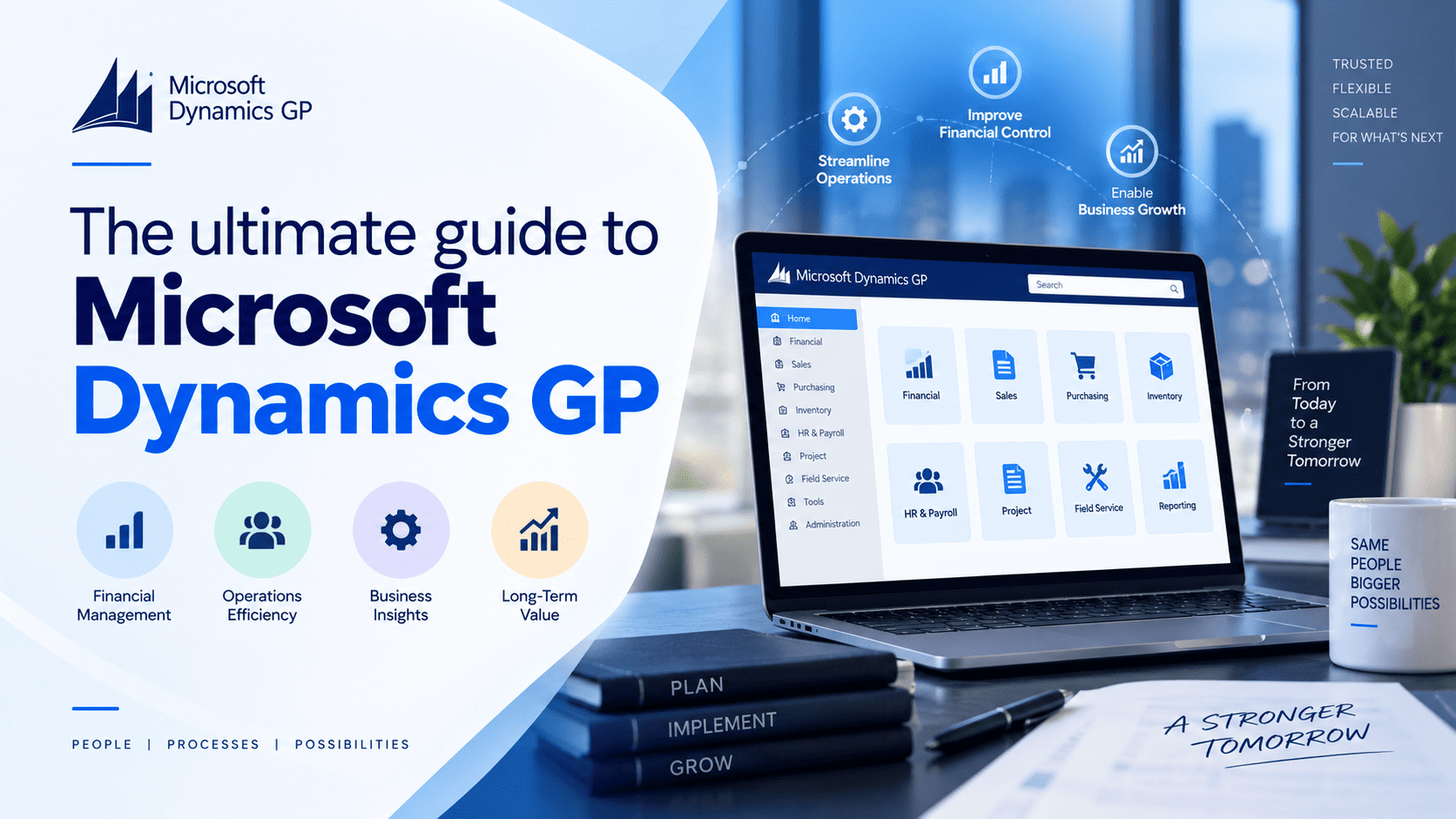
If your finance team still runs on Dynamics GP, you’ve probably heard Microsoft is winding the product down. Fair questions follow: how long can we carry on, what will it cost, and where do we go next? Here’s a plain-language answer to each.
What is Dynamics GP?
Microsoft Dynamics GP, once called Great Plains, is accounting-led ERP software built for small and midsized businesses. Financial management sits at the centre, with purchasing, sales, inventory, manufacturing, projects and payroll built around it. Most companies run it on their own servers or hosted virtual machines, with Microsoft SQL Server holding the data. It’s now a legacy product, and Microsoft no longer sells it to new customers.
Core capabilities of Dynamics GP
What you can do with GP depends on your version and licensed modules, but most teams rely on it for financials, payables and receivables, cash and bank reconciliation, fixed assets, inventory and purchasing, manufacturing, project accounting, payroll, and reporting through built-in tools or SQL-based add-ons. Many businesses also plug in extras, such as credit card processing inside Dynamics GP, so staff stop keying the same payment twice.
Benefits of Dynamics GP
Three decades of steady use explain the loyal following GP still has. Finance teams appreciate its strong controls and audit trails. It bends to the way you work through custom screens, reports and business logic, sits comfortably alongside Excel and SQL Server, and is backed by a wide circle of add-ons and consultants who understand almost any industry. These strengths are genuine, which is exactly why leaving GP deserves a proper plan rather than a rushed decision.
Dynamics GP evolution and history
Great Plains Software released its first Dynamics version in 1993. Microsoft bought the company in 2001, and by 2005 the product carried the Dynamics GP name and worked more closely with Office and SQL Server. A browser-based web client arrived in 2013, and in 2019 GP shifted to continuous updates rather than year-named versions. Microsoft announced the end of support in 2024, later fixing the main date at December 2029.
Through this history, Microsoft’s attention gradually moved to Dynamics 365, which gets continuous updates, Copilot and other AI features built in. GP still receives maintenance, but it’s no longer where the newest ideas land first.
Current state of Dynamics GP
GP has entered the final stage of its life. You can keep using it today, but a few dates shape any sensible plan. Our article on Dynamics GP end of support covers the roadmap in more depth.
Microsoft no longer sells Dynamics GP: new perpetual licence sales stopped on 1 April 2025, and new subscription sales stopped on 1 April 2026, though certain existing customers can still renew or add users through 30 April 2031. Product enhancements, tax updates and technical support end on 31 December 2029, with final security updates ending on 30 April 2031. Older releases sit on separate schedules, so check exactly which version you run — if it’s out of date, a Dynamics GP upgrade is usually the first sensible step.
None of this means GP switches itself off on those dates. What changes is that nobody at Microsoft will issue new tax updates, fix bugs, or patch newly found security holes afterwards. Compatibility with newer Windows and SQL Server versions tends to slip over time, and auditors or insurers may start asking harder questions. A good partner can keep the system running well, but cannot replace an official Microsoft patch.
Options for organizations still running Dynamics GP
In practice, you have two real paths: stay put for a defined period, or start planning a move.
Maintain and support Dynamics GP when your system is stable and your deadline is comfortably far off, treating it as a bridge rather than a permanent home. Reliable Dynamics GP support and refresher Dynamics GP training keep your team productive meanwhile. Hosting GP in the cloud eases server headaches, but doesn’t extend its lifecycle by a single day.
Migrate off Dynamics GP to rethink old processes, clean up messy data and drop workarounds nobody remembers the reason for. A simpler Dynamics GP to Business Central migration can run 8 to 14 weeks; larger, more complex organisations should plan for 12 to 18 months of preparation, testing and adoption.
Why migrate off Dynamics GP now?
Nobody has to move tomorrow, but waiting has a real cost worth working out properly. Total cost of ownership keeps rising — add up annual plan fees, servers or hosting, SQL Server and Windows licensing, remote access tools, IT staff time and periodic upgrades, then set that against a modern cloud subscription. Our Dynamics GP pricing page walks through what actually drives the bill.
Microsoft’s migration incentives are shrinking too, with each round of discounts smaller than the last and closing on a fixed date, so it’s worth checking current terms rather than assuming a better deal turns up later. Demand could also create a bottleneck: every GP customer faces the same Microsoft deadlines, while consultants with genuine GP migration experience are limited. Move early and you pick your partner and timeline; leave it late and you take what’s left. Our piece on evaluating a Dynamics partner for a GP to BC migration is a good place to start that search.
Staying also delays access to modern capabilities. GP has no built-in AI, while newer platforms offer AI assistants, automated approvals, browser and mobile access, and analytics connected straight into your other tools — every year spent waiting is a year competitors may pull ahead.
What are the Dynamics GP replacement options?
There’s no single system that fits every business. Four options come up most often: Dynamics 365 Business Central, suited to small and midsized firms wanting finance, distribution and projects with tight Microsoft integration; Dynamics 365 Finance and Operations, for larger organisations with complex supply chain or multi-country needs; Oracle NetSuite, for growing companies comfortable moving outside the Microsoft ecosystem; and Sage Intacct, for finance-led businesses prioritising accounting depth.
Start with your own requirements, not a brand someone else recommended, and test each platform against your processes, integrations, reporting needs and budget. Before fixing a go-live date, work through 10 questions to ask before you migrate. Business Central is not a like-for-like upgrade — it’s a different platform under the hood, so data, reports and any GP customisations need proper mapping rather than a straight copy-paste.
Partner with Nevas Technologies for Dynamics GP migration
Nevas Technologies is a Microsoft partner focused on Dynamics GP, NAV and Business Central, serving clients across the USA, Canada, Singapore and the UAE from our offices in Edison, New Jersey and India. We can look after your current system, carry out an upgrade, or guide the full move — data clean-up, sandbox testing, add-on integrations and user training included. Our breakdown of the GP to Business Central migration timeline shows how a typical project runs, stage by stage.
Frequently asked questions
Is Dynamics GP being discontinued?
Yes. Microsoft no longer sells it to new customers and has set final support dates: 31 December 2029 for enhancements and support, 30 April 2031 for security updates.
Can we keep using GP after that?
Yes, but without Microsoft patches or updates, so risk builds up over time.
Is Business Central a direct upgrade from GP?
No. It’s a migration to a genuinely different platform, not a version bump, though it’s the usual Microsoft route alongside Finance and Operations, NetSuite and Sage Intacct.
Plan your Dynamics GP next steps
GP can still serve many businesses for a while yet, but the end dates on the calendar are fixed. A short, honest look at your environment, costs and options will tell you exactly how much time you have left. Speak to the Nevas Technologies team about your Dynamics GP to Business Central migration, and put together a plan that actually fits your business.