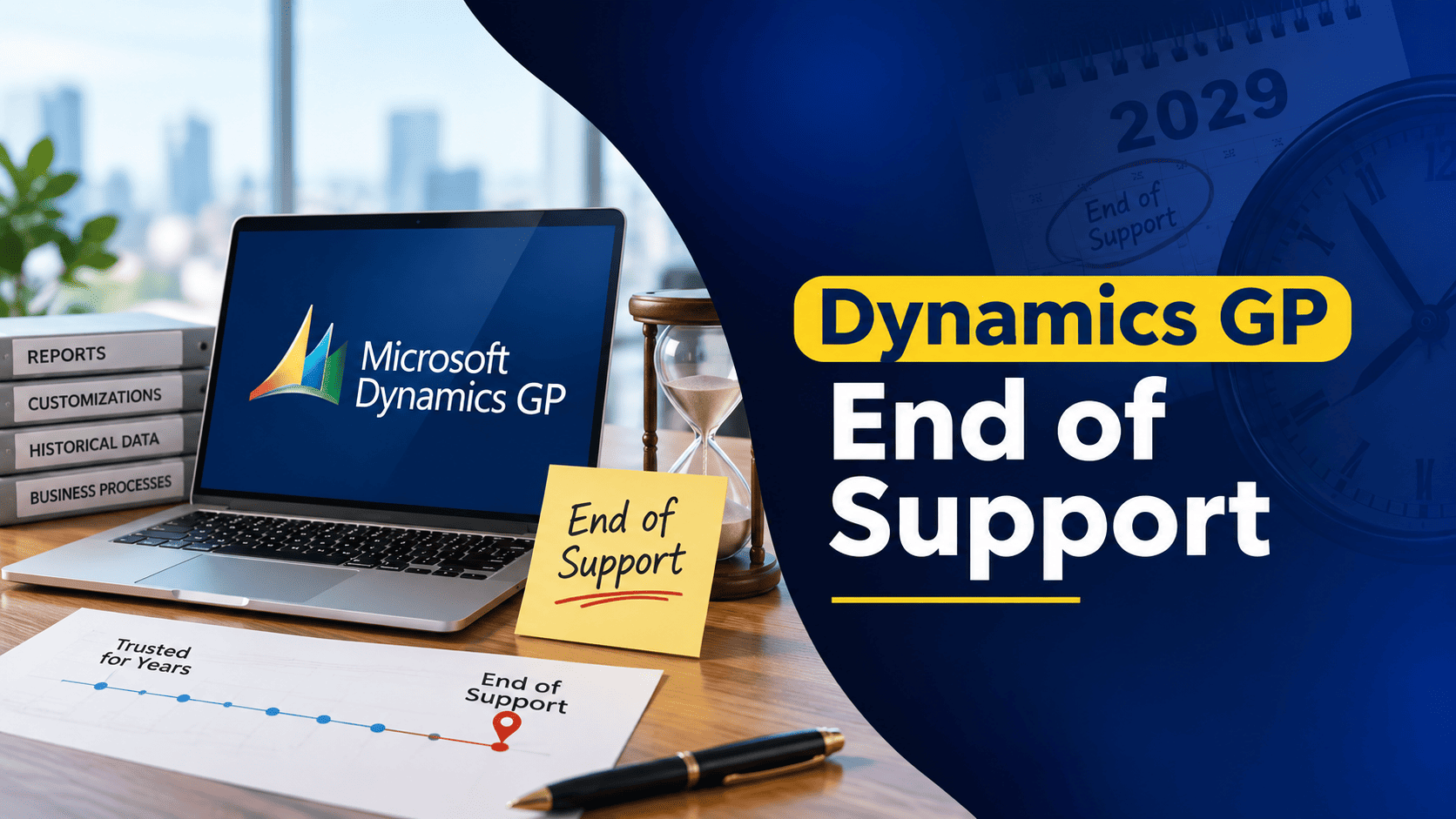
Microsoft has confirmed the end of support timeline for Dynamics GP, with key milestones running through December 2029 and April 2031. If your business is still running GP, this isn’t an immediate shutoff, but it is a clear signal that it’s time to start planning your next move.
Dynamics GP won’t stop working the day support ends. But running a platform that no longer receives product updates, regulatory changes, or vendor support brings growing operational, security, and compliance risk the longer you stay on it. In this guide, we’ll walk through the actual support timeline, what the risks look like in practice, and how to plan a migration to Business Central on your own terms, not under pressure.
The Dynamics GP End of Support Timeline
Microsoft has laid out a phased end of support process for Dynamics GP, with milestones that directly affect how the product can be purchased, maintained, and supported going forward:
- April 1, 2025: New perpetual license sales discontinued
- April 1, 2026: All subscription license sales end
- December 31, 2029: Final product enhancements, regulatory updates, tax changes, and technical support conclude
- April 30, 2031: Security patches and extended support terminate
After December 2029, Microsoft stops delivering payroll updates, tax and regulatory changes, and product enhancements for GP. The system can keep running, but from that point forward, your organization owns the increased risk around security, compliance, and compatibility.
What Happens If You Stay on Dynamics GP Beyond End of Support
Security and Compliance Exposure
Running unsupported software means growing exposure to security vulnerabilities over time, since there’s no vendor providing patches for newly discovered issues. Organizations left running GP past its support window have to rely on their own compensating controls to protect financial and operational data.
Compliance frameworks like PCI-DSS, HIPAA, ISO-27001, GLBA, and NIST generally expect organizations to demonstrate reasonable safeguards and ongoing system maintenance. Operating on unsupported software makes that harder to demonstrate, and can complicate audits and increase compliance effort across the board.
Operational and Financial Impact
Once Microsoft support ends, system defects, performance issues, and failures can no longer be escalated to Microsoft’s engineering teams. Partners can still help, but resolution options narrow considerably, which raises the risk of downtime, manual workarounds, and operational disruption when something does go wrong.
Over time, maintaining a legacy system like this tends to get more expensive, not less, as flexibility shrinks and technical constraints pile up.
Why Dynamics 365 Business Central Is the Natural Next Step
Microsoft Dynamics 365 Business Central is Microsoft’s modern, cloud-based ERP platform, and the clear successor for organizations moving on from Dynamics GP. It preserves the core financial management capabilities GP users already rely on, while adding significantly more scalability, automation, and visibility.
Business Central offers:
- Cloud-first architecture that reduces reliance on on-premises infrastructure and hardware
- Native Microsoft ecosystem integration with Microsoft 365, Power BI, Power Automate, and Teams
- Expanded functionality across inventory, project accounting, reporting, and analytics
- Automatic updates that deliver ongoing security patches and new features without a manual upgrade project
For most GP customers, Business Central offers a genuinely clear path to modernize without losing the financial processes and reporting they’ve already built their operations around.
A Structured Approach to Migrating from GP
A successful migration depends on more than moving data from one system to another. A structured approach typically covers:
Assessment and Planning
Reviewing your existing GP environment, customizations, and integrations to build a migration roadmap tailored to your business, not a generic template.
Data Preparation
Assessing, cleaning, and organizing historical data ahead of time improves accuracy and reduces complexity once the actual migration begins.
Migration Setup
Establishing a secure migration path between your GP environment and Business Central, and deciding exactly which entities and companies need to transition.
Testing and Validation
Migrating data into a sandbox environment first, so it can be tested, validated, and refined before anything touches production.
User Enablement and Go-Live
Providing role-based training and supporting final cutover planning, so your team is confident operating in Business Central from day one, not just technically migrated.
Plan Early to Reduce Risk and Cost
The Dynamics GP end of support dates might still feel distant, but most ERP migrations of this scale take 12 to 18 months for proper planning, testing, and user adoption. Starting early gives you control over your own timeline, avoids a compressed, rushed project later, and lets you budget for the transition on your terms rather than reacting under pressure.
Frequently Asked Questions
When is the Dynamics GP end of life date?
Microsoft has confirmed that final product enhancements, tax updates, and technical support for Dynamics GP conclude on December 31, 2029, with security patches continuing through April 30, 2031.
Can I continue using Dynamics GP after 2029?
Yes, the system will likely continue to function. It just won’t receive product updates, tax changes, or vendor support after that point, which increases operational and security risk the longer you stay on it.
What is the recommended alternative to Dynamics GP?
Microsoft Dynamics 365 Business Central is the recommended successor, offering cloud-based financial management, automation, and native integration with the wider Microsoft ecosystem.
How long does a Dynamics GP to Business Central migration take?
Most migrations take 12 to 18 months, depending on data volume, customizations, integrations, and how ready your organization is to begin.
Will my Dynamics GP customizations transfer to Business Central?
They need to be reevaluated and rebuilt using Business Central’s modern extensions framework. In many cases, native Business Central functionality can actually replace what used to require a custom GP modification.
How Nevas Technologies Can Help
Nevas Technologies supports organizations at every stage of the Dynamics GP lifecycle, from ongoing operational support to long-term modernization planning. We’ve spent over 20 years helping businesses across North America and beyond implement, upgrade, and migrate Microsoft Dynamics solutions, with 200+ clients and a team of certified Microsoft Dynamics consultants who understand GP environments in depth.
Here’s how we help:
- Assessing your current GP environment, customizations, and integrations to build a realistic migration roadmap
- Preparing and cleansing historical data to reduce complexity and risk during migration
- Managing a structured, sandbox-tested migration process to minimize disruption
- Providing role-based training so your team is productive in Business Central from day one
- Offering ongoing support before, during, and after your transition
Next Steps
If you’re evaluating what the Dynamics GP end of support timeline means for your organization, the earlier you start planning, the more control you have over cost, timeline, and disruption.
Schedule a free GP environment assessment with our Microsoft Dynamics team, or get a custom quote to start planning your migration to Business Central.