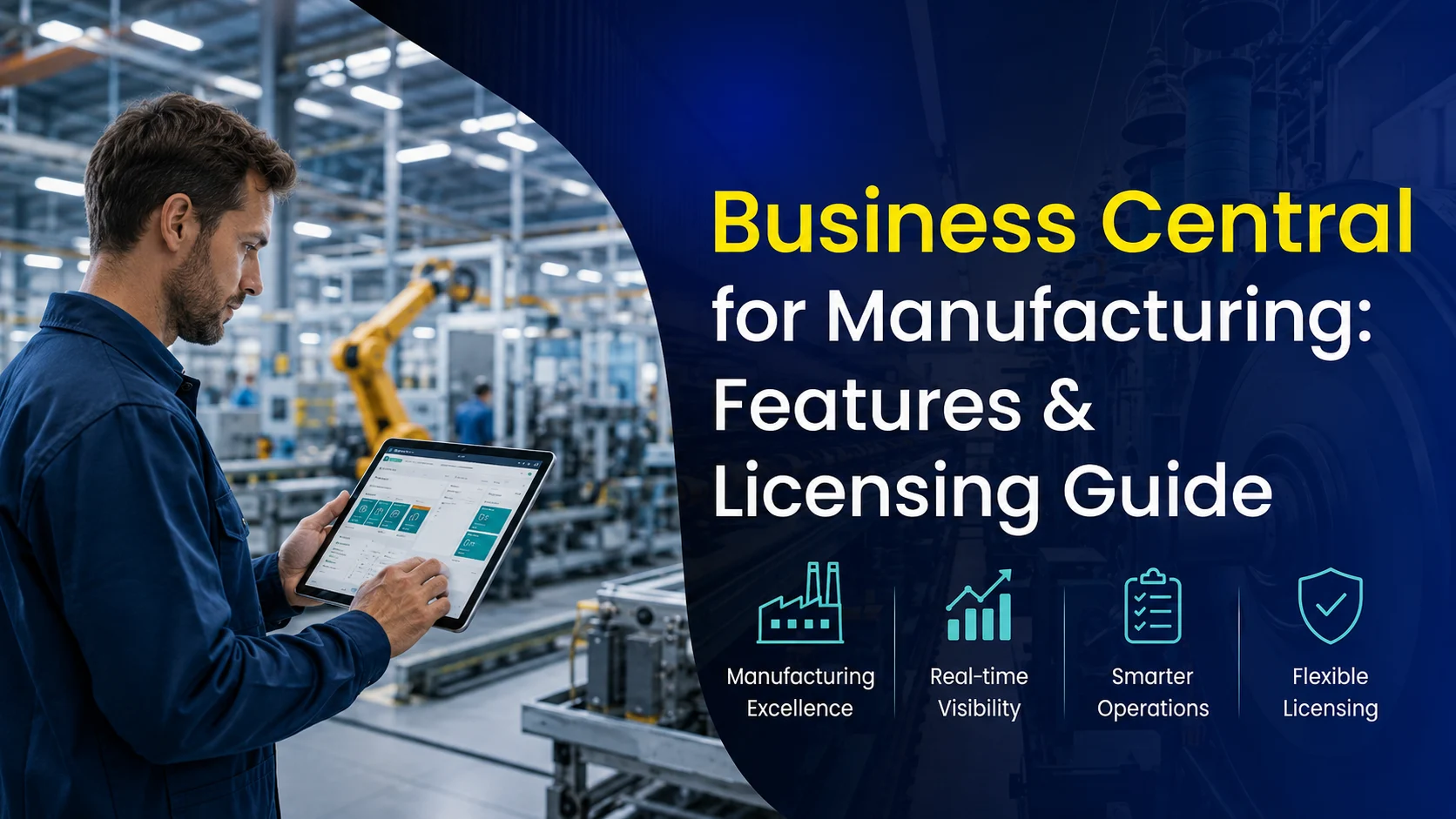
Manufacturers are under constant pressure to reduce waste, hit tighter production schedules, respond to shifting demand, and control costs all while keeping supply chains and customer expectations in sync. Spreadsheets and disconnected point solutions can get a small operation through its early years, but they fall apart fast once you’re juggling multiple production lines, bills of materials, and real-time inventory across locations.
Dynamics 365 Business Central is Microsoft’s answer for manufacturers who’ve outgrown entry-level tools but don’t want (or need) the cost and complexity of an enterprise-scale ERP. In this guide, we’ll cover what Business Central actually offers manufacturers, how its manufacturing licensing works, how it stacks up against other ERP options, and how to know if it’s the right fit for your operation.
Signs Your Manufacturing Business Has Outgrown Its Current System
Before getting into features, it’s worth pausing on a more practical question: how do you know it’s actually time to move on from spreadsheets, entry-level accounting software like QuickBooks, or ERP systems like Sage, QAD, or Infor? A few common signals we hear from manufacturers:
- Production schedules live in someone’s head or a spreadsheet that only one person really understands
- You can’t get a real-time answer to “how much of X do we actually have in stock right now”
- Bills of materials are tracked manually, and errors in component counts show up on the shop floor instead of in planning
- Finance and production are working from different numbers, and reconciling them eats hours every month
- You’re turning down orders or overpromising on delivery dates because you can’t reliably forecast capacity
If two or more of these sound familiar, that’s usually the point where a purpose-built manufacturing ERP starts paying for itself quickly.
What Is Dynamics 365 Business Central?
Business Central is a comprehensive, cloud-based ERP solution built for small to midsize businesses looking to streamline operations and support growth. It unifies core functions finance, sales, customer service, supply chain, inventory, and manufacturing into a single platform, cutting down on manual processes and the errors that come with them.
As part of the Microsoft ecosystem, Business Central connects naturally with tools your team already uses: Outlook, Excel, and Teams for day-to-day work, plus Power BI for analytics, Power Apps for custom tools, and Power Automate for workflow automation. That integration means less time spent moving data between systems and more time spent actually running the business.
Why Manufacturers Choose Business Central
Unlike generic ERP platforms, Business Central includes native manufacturing capabilities production planning, capacity management, bills of materials, routing, demand forecasting without the price tag or complexity of larger systems. Key benefits include:
- Cloud-first access — Work from anywhere, with automatic updates and secure data storage
- Deep Microsoft integration — Connects natively with Excel, Outlook, Teams, and the Power Platform
- Scalability — Grows from basic inventory management to full-scale, multi-site manufacturing
- Modern, intuitive interface — Shortens training time and improves adoption across the shop floor and back office
- Extensibility — Low-code/no-code customization plus a large marketplace of third-party apps
- Unified data — Centralizes information across departments for real-time reporting
- Automation — Reduces repetitive manual work and improves data accuracy
- Built-in analytics and AI — Supports predictive insights, anomaly detection, and performance optimization
- Connected supply chain — Better visibility across vendors, suppliers, and logistics partners
- Enterprise-grade security — Backed by Microsoft’s global infrastructure for compliance and data protection
Core Manufacturing Capabilities
Production Planning and Scheduling
Business Central lets you create, manage, and track production orders with full visibility into materials, labor, and machine requirements supporting make-to-stock, make-to-order, and engineer-to-order environments, with progress tracked through each routing step.
Master Production Scheduling (MPS) plans finished-goods production based on demand and sales forecasts, integrating with MRP to keep materials aligned with what’s actually being produced.
Material Requirements Planning (MRP) automates planning for raw materials and subassemblies based on demand, generating planned orders and consolidating requirements across multiple BOM levels so you’re not manually reconciling what’s needed against what’s on hand.
Bills of Materials and Routing
Define multi-level bills of materials to specify exactly which components and subassemblies go into finished goods, with version control for revisions and support for phantom BOMs on intermediate assemblies that don’t need their own inventory record.
Routing setup defines the sequence of operations required to produce an item, assigning work centers and machine centers with setup and run times while capturing real-time production data on labor, machine utilization, and efficiency as work happens.
Capacity Planning
Schedule production based on the actual available capacity of your work and machine centers, using finite or infinite loading to balance demand against resources. Built-in analysis tools help identify bottlenecks and run what-if scenarios before committing to a schedule.
Demand Forecasting
Generate forecasts from historical sales data to improve planning accuracy and reduce the guesswork behind overstock and shortages with forecast data flowing directly into planning worksheets that drive your MPS and MRP runs.
Inventory and Warehouse Management
Track inventory by location, lot, or serial number, with support for bin management, cycle counting, and real-time visibility all integrated directly with production for raw material picking and output posting, so inventory reflects what’s actually happening on the floor.
Quality and Shop Floor Visibility
Add-on solutions extend Business Central with quality checks and nonconformance tracking to support compliance with industry standards and customer requirements.
Partner add-ons using barcoding or touchscreen interfaces also let you capture time, output, and quality data directly from the shop floor for real-time production insight.
How Manufacturing Is Licensed in Business Central
Business Central uses a tiered, per-user licensing model Essentials and Premium so businesses only pay for the functionality their operation actually needs.
| Feature | Essentials | Premium |
|---|---|---|
| Price | $80/user/month | $110/user/month |
| Included capabilities | Core financials, sales & purchasing, inventory management, project management, warehouse management, CRM, assembly management | All Essentials features plus advanced manufacturing and service management |
| Manufacturing features | Assembly Orders for light manufacturing and kitting no full production or planning tools | Production Orders, Bills of Materials, Routings, Capacity Planning, MRP, MPS, Work and Machine Centers |
Essentials works well for companies with basic production needs, assembly-to-order or kitting using Assembly Orders to group components into finished goods without a full manufacturing setup.
Premium is built for manufacturers with more complex needs, unlocking the full manufacturing module: multi-level BOMs, routings, work and machine centers, capacity planning, and integrated MRP/MPS.
This tiered structure means you’re not paying for capability you don’t use yet and there’s a clear path to scale up from assembly to full manufacturing as your operation grows.
Business Central vs. Other Manufacturing ERP Options
Manufacturers evaluating ERP options usually end up weighing three tiers: lightweight accounting tools that don’t go deep enough, mid-market manufacturing ERPs built for specific production models, and enterprise-grade systems that are expensive and overbuilt for a mid-sized operation. Business Central sits in that middle tier, going head-to-head with platforms like Sage X3, Sage Business Cloud, QAD, and Infor CloudSuite Industrial (SyteLine).
Compared to entry-level tools like QuickBooks or basic desktop accounting software, Business Central is a genuine ERP with real production orders, routings, capacity planning, and MRP/MPS, not just inventory tracking bolted onto accounting.
Against other mid-market manufacturing ERPs like Sage, QAD, and Infor, the differentiator is less about raw manufacturing depth those systems are also purpose-built for production and more about ecosystem and total cost of ownership. Business Central’s native integration with Outlook, Excel, Teams, and the wider Power Platform tends to shorten the learning curve and speed adoption, since most manufacturing teams are already working in those tools daily. Licensing is also generally more straightforward and predictable than the module-based pricing structures common with Sage, QAD, and Infor implementations.
Against larger enterprise systems like SAP or Oracle, Business Central is faster to implement, more intuitive for everyday users, and considerably less expensive to license and maintain making it a better fit for manufacturers who need real production planning capability without enterprise-scale cost and complexity.
Frequently Asked Questions
Is Business Central suitable for make-to-order manufacturing?
Yes, it supports make-to-stock, make-to-order, and configure-to-order workflows.
Can Business Central handle shop floor data collection?
Yes, either through native functionality or partner add-ons for time and production tracking directly on the floor.
Does Business Central support subcontract manufacturing?
Yes. Subcontract operations can be set up within routings, with purchase orders issued for subcontract services.
Can Business Central handle multi-site manufacturing?
Yes, it supports multiple locations, transfer orders, and centralized planning across sites.
How long does a manufacturing implementation typically take?
Timelines vary with complexity, but most mid-sized manufacturers can go live in roughly 3–6 months with an experienced implementation partner.
What does implementation cost for a manufacturing-focused rollout?
Costs vary significantly based on scope, customization, and integration needs. A rapid, lower-complexity activation runs lower than a full digital transformation project involving custom development. It’s worth getting a scoped estimate for your specific operation rather than relying on general figures.
How Nevas Technologies Can Help
Choosing and implementing an ERP for manufacturing isn’t just a software decision it’s a decision about how your production, inventory, and finance teams will work together every day going forward.
Nevas Technologies has spent over 20 years helping manufacturers and other businesses implement, customize, and support Microsoft Dynamics solutions, with 200+ clients and a team of certified Microsoft Dynamics consultants who understand manufacturing operations, not just software configuration.
Here’s what that looks like in practice:
- Strategic ERP planning and process mapping tailored to your production environment
- Full-scale Business Central implementation, from Essentials-level assembly needs to full Premium manufacturing rollouts
- Custom development and Power Platform integration for workflows standard functionality doesn’t cover
- Hands-on training and ongoing support to drive real user adoption on the shop floor and in the back office
- Manufacturing-specific reporting and analytics built with Power BI
Whether you’re replacing spreadsheets for the first time or upgrading from a legacy ERP that’s holding your production planning back, our team can help you get to a system that actually keeps pace with your operation.
Next Steps
Business Central gives manufacturers a genuine middle ground real production planning, capacity management, and MRP/MPS capability, without the cost and complexity of an enterprise ERP platform. If spreadsheets, disconnected tools, or an aging system are limiting how well you can plan and scale production, it’s worth a closer look.
Schedule a free demo to see Business Central’s manufacturing capabilities in action, or get a custom quote to scope out what an implementation would look like for your operation.