

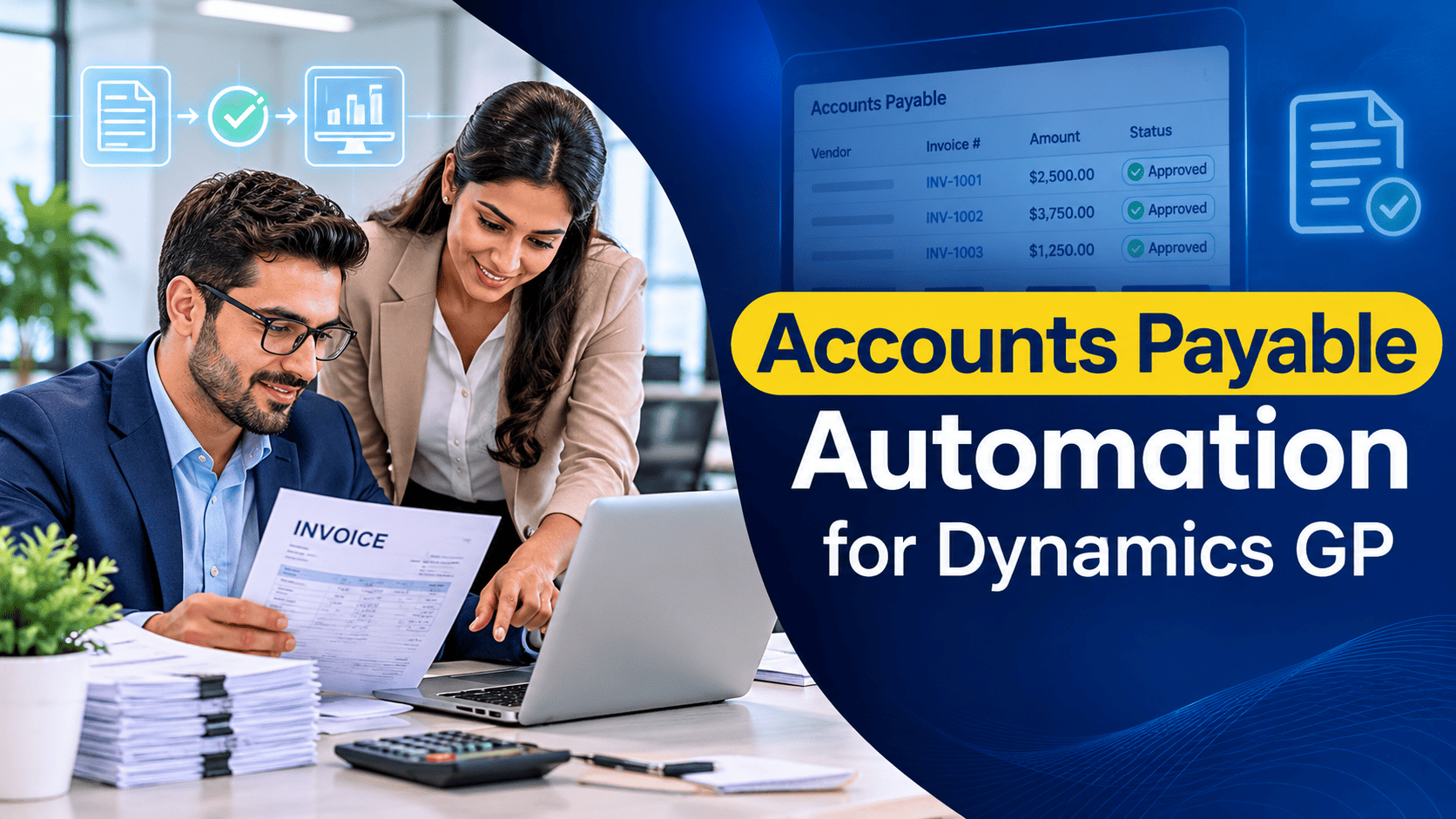
Ask any accounts payable team running Dynamics GP where their week goes, and the answer is rarely “making decisions”. It goes on opening emails, keying invoice numbers, chasing approvals, matching paperwork to purchase orders and answering vendors who want to know when they will be paid. The judgement work, the part that actually protects the business, gets squeezed into whatever time is left.
Automation can change that balance. Even so, the companies that get the best results do not automate everything at once. They pick the right starting point, prove the benefit, and build from there. Here, I will share how we help clients decide what to automate first in Dynamics GP, what to leave until later, and what to check before spending money. The advice draws on the project work of our Dynamics GP consultants at Nevas Technologies.
Start by Measuring, Not Buying
The most common mistake we see is choosing a product before understanding the problem. A short review of your current process will tell you far more than any sales demonstration.
For two or three weeks, track a few simple figures:
- How many invoices arrive each month, and through which channels (email, post, vendor portals)?
- What share relate to purchase orders, and what share do not?
- How long does an invoice take, on average, from arrival to approval?
- How many invoices are keyed with errors or need correcting?
- How many payments go out by cheque, ACH or wire transfer?
- How many vendor queries does the team handle each week?
When analyzing these numbers, you will usually find that two or three steps account for most of the effort and most of the delay. Those are your starting points. Everything else can wait.
It is also worth speaking to the people who do the work every day. AP clerks usually know exactly which vendors send messy invoices, which approvers always delay, and which workarounds they rely on to meet payment runs. Their knowledge will save you from automating a problem rather than solving it, and involving them early makes them far more willing to adopt the new process once it arrives.
Priority One: Getting Invoices into GP Without Keying
For most organizations, manual data entry is the single largest cost in accounts payable. A clerk reads a PDF, types the vendor, invoice number, date, amount and GL distribution into the Payables Transaction Entry window, and repeats the task hundreds of times a month. It is slow, tiring and error-prone.
Invoice capture tools address this directly. They collect invoices from a shared mailbox or scanner, read the key fields using optical character recognition, and pass the data into GP as unposted Payables transactions or receivings documents. Better tools learn each vendor’s layout over time, so accuracy improves the longer you use them.
Why start here? Because the benefit is immediate and easy to measure. Fewer keystrokes mean fewer errors, quicker processing and staff released for more valuable work. It also creates a digital copy of every invoice from the very first step, which supports everything that follows.
A practical tip: set up a single dedicated email address for vendor invoices before you go live. Ask vendors to use it, and stop accepting invoices sent to individual staff. That one change removes a surprising amount of confusion.
Priority Two: Approval Workflow
Once invoices arrive digitally, the next bottleneck is usually approval. Paper invoices sit in in-trays, managers are travelling, and nobody can say with confidence where a given invoice is.
Dynamics GP includes its own workflow feature for Payables batches and transactions, which many companies already own as part of their license. It routes items to approvers based on rules you define, such as amount, vendor or account, and sends email notifications with the option to approve. For many smaller teams, this built-in workflow is enough, and it costs nothing extra.
Larger organizations, or those with complex approval chains across departments and locations, often benefit from a dedicated approval product. These typically offer mobile approval, attached invoice images, delegation when approvers are away, and clearer audit trails.
Whichever route you choose, keep the rules simple at first. Approval matrices with dozens of exceptions tend to slow automation down rather than speed it up. Agree a clear policy with finance leadership, then configure the system to follow it.
Priority Three: Purchase Order Matching
If a large share of your invoices relate to purchase orders, automated matching is a natural next step. GP’s Purchase Order Processing module already supports two-way and three-way matching, comparing the invoice against the order and, where relevant, the goods receipt.
Automation tools extend this by matching captured invoice lines against open purchase orders and receipts automatically, flagging only the exceptions for human review. When it works well, invoices that agree with the order flow straight through, and the team spends its time on the ones that do not.
I would emphasize one condition here: matching only works when purchase order discipline is good. If orders are raised after the invoice arrives, or receipts are not recorded promptly in GP, the automation will produce a flood of exceptions. Fix the process first, then automate it.
Priority Four: Payments
Many GP users still print cheques for a large share of vendor payments. This brings costs in stationery, postage and staff time, as well as risks of fraud and lost items.
Moving to electronic payment is often straightforward. GP’s Electronic Funds Transfer feature for Payables can produce ACH files for your bank, and many banks offer direct integrations or positive pay arrangements to reduce fraud. Third-party payment services can go further, offering virtual card payments and handling vendor enrolment for you, sometimes with rebates on card spend.
Payments come fourth rather than first because they carry the most financial risk. You want invoice capture, approval and matching to be reliable before you accelerate the speed at which money leaves the business.
Priority Five: Vendor Self-Service
A steady stream of “has my invoice been paid?” calls drains time from every AP team. Vendor portals let suppliers check invoice and payment status themselves, update their own remittance details through a controlled process, and receive remittance advice electronically.
This is valuable, but it rarely belongs at the start of a project. A portal is only as useful as the data behind it, and that data improves once capture, approval and payment are automated.
What Not to Automate Yet
Not every step is a good candidate for early automation. Be cautious with:
- Vendor master changes, especially bank details: These are a favourite target for fraud. Keep changes under strict manual control, with independent verification by phone using contact details you already hold.
- Unusual or one-off invoices: Legal fees, settlements and irregular charges usually need human judgement.
- Processes nobody has written down: If the team cannot describe a step clearly, automating it will only make the confusion faster.
Check Your GP Environment First
Before choosing any product, check a few points about your own system.
- Version and support: Most automation tools expect a current release of Dynamics GP. If you are on an older version, an upgrade to the latest Dynamics GP release may be a necessary first step.
- Existing customization: Modified Payables windows, custom fields and integrations can conflict with add-on products. List them and test carefully.
- Licensing: Confirm which GP modules and user licenses you already hold. Workflow, Purchase Order Processing and Electronic Funds Transfer may already be available to you, which can reduce cost.
- The road ahead: Microsoft ends Dynamics GP support at the end of 2029. Choose automation tools that also support Dynamics 365 Business Central or your likely next platform, so your investment carries forward when you move.
How to Recognize a Good Automation Partner
The product matters, but the implementation matters more. Look for a partner who:
- starts by understanding your process rather than demonstrating software;
- has experience with both GP and the automation product you are considering;
- can test the solution against your own invoices, not sample data;
- documents the configuration so your team can maintain it;
- offers ongoing support once the project goes live.
You will recognize the right partner by the questions they ask in the first meeting. If they talk mainly about features and little about your invoice volumes, approval rules and vendor mix, keep looking.
Measuring Success
Set a few clear targets before you start, and review them three and six months after go-live. Useful measures include:
- average days from invoice arrival to approval;
- cost per invoice processed;
- percentage of invoices processed with no manual intervention;
- number of keying errors and duplicate payments;
- share of payments made electronically;
- early payment discounts captured.
These figures will show whether the project has delivered, and where to focus next.
Summarizing the Order of Work
Summarizing our recommended sequence for most Dynamics GP users:
- Measure your current process for two to three weeks.
- Automate invoice capture to remove manual keying.
- Introduce approval workflow, using GP’s built-in feature if it is enough.
- Add purchase order matching once purchasing discipline is sound.
- Move payments from cheques to electronic methods.
- Offer vendor self-service once the data behind it is reliable.
- Keep vendor bank changes and unusual invoices under manual control throughout.
How Nevas Technologies Can Help
For more than a decade, Nevas Technologies has helped companies across the United States and Asia Pacific improve their finance processes in Microsoft Dynamics GP. We review AP workflows, configure GP’s built-in features, integrate automation products, and support teams after go-live through our Dynamics GP support service.
If your Payables team is spending more time keying than reviewing, speak with us. We will help you identify the step that offers the quickest return and build a practical plan from there.
Frequently Asked Questions
What should we automate first in Dynamics GP accounts payable?
For most companies, invoice capture comes first. Removing manual keying of invoice data into the Payables Transaction Entry window delivers the quickest, most measurable saving in time and errors, and creates a digital record that supports every later step.
Does Dynamics GP have built-in approval workflow for Payables?
Yes. Dynamics GP includes a workflow feature that can route Payables batches and transactions to approvers based on rules such as amount, vendor or account. Many smaller teams find it sufficient, while larger organizations often add a dedicated approval product.
Can Dynamics GP match invoices to purchase orders automatically?
GP’s Purchase Order Processing module supports two-way and three-way matching. Automation tools extend this by matching captured invoice lines to open orders and receipts automatically, so staff only review exceptions. Good purchasing discipline is essential for this to work well.
Can Dynamics GP make electronic payments to vendors?
Yes. The Electronic Funds Transfer feature for Payables can create ACH payment files for your bank. Third-party payment services can add virtual card payments and manage vendor enrolment.
Which AP tasks should stay manual?
Changes to vendor bank details should remain under strict manual control with independent verification, as they are a common target for fraud. Unusual or one-off invoices also usually need human judgement.
Is AP automation still worth it with Dynamics GP support ending in 2029?
Yes, provided you choose tools that also support Dynamics 365 Business Central or your likely next platform. That way, the process improvements and the investment carry forward when you move.
How can Nevas Technologies help with AP automation?
Nevas Technologies reviews AP processes, configures GP’s built-in features such as workflow and electronic payments, integrates automation products, and supports finance teams after go-live.