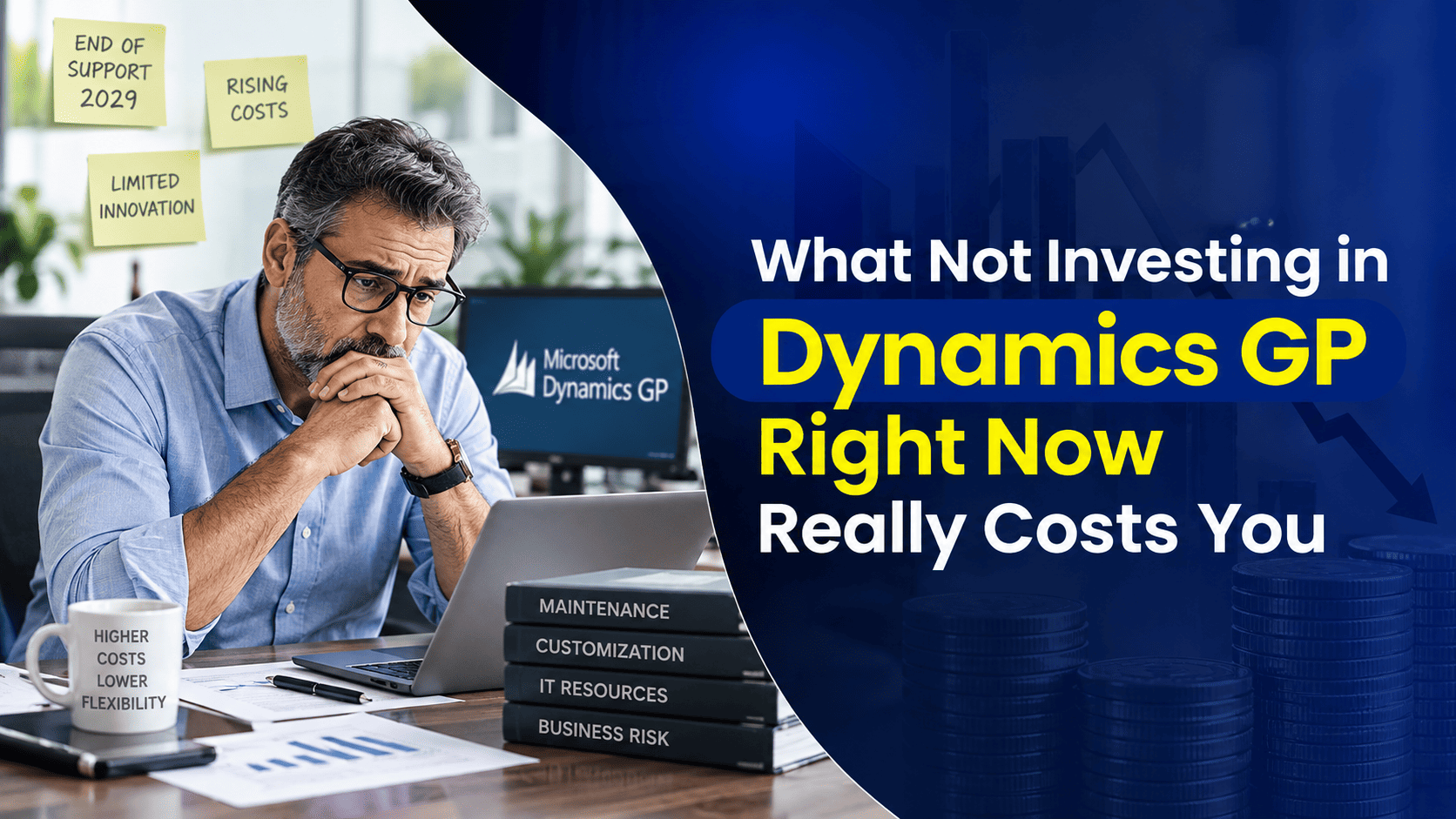

Budgets are tight, so when someone suggests putting off a Dynamics GP health check or a version update for another year, it can sound like the responsible choice. Nothing is on fire, the reasoning goes, so why spend money now? The trouble is that GP doesn’t sit still while you wait, and neither does everything around it. This is a look at what that pause actually costs, and where a smaller, well-timed investment now saves you from a much larger one later.
The “We’ll Deal With It Later” Tax
Deferring GP work rarely makes it disappear. It usually just moves the problem to a moment when you have less control over the timing. A small configuration fix today might take an hour. The same fix, left alone for two years while other changes pile on top of it, can take a specialist days to untangle, because nobody remembers why a workaround was built or what it was quietly holding together. Waiting doesn’t remove the cost. It adds interest to it.
When Your Technology Moves On Without You
Dynamics GP doesn’t exist in isolation. It depends on Windows Server and Microsoft SQL Server underneath it, and both of those keep receiving updates on their own schedule, whether or not your GP environment is ready for them. Once your GP version falls a release or two behind, you can end up stuck: unable to safely apply a Windows security patch because it breaks something in GP, or unable to move to a newer SQL Server because GP hasn’t caught up. That gap tends to widen every year you leave it, and closing it later usually means a bigger, more disruptive project than keeping pace would have been. Our Dynamics GP upgrade services exist mainly to close gaps like this before they turn into a forced, urgent project.
Payroll Isn’t Optional
Whatever else waits, payroll doesn’t. Tax tables, filing formats and statutory reporting requirements change on a government timetable, not a convenient one, and Dynamics GP payroll needs to be current to handle them correctly. Fall behind on updates here and you’re not risking a minor inconvenience you’re risking incorrect withholdings, late filings, and the kind of employee trust that’s hard to rebuild once a paycheck goes wrong. This is one area where “we’ll catch up next quarter” genuinely isn’t a safe plan.
The Cost You Feel Every Day That’s Hard to Measure
Some costs never appear as a single number on an invoice. They show up as the extra ten minutes someone spends exporting data to Excel because a report GP could already produce was never turned on. They show up as a finance team re-entering the same figures in two places because an integration was never finished. None of this looks expensive in the moment. Multiplied across a team, a month, and a year, it becomes one of the largest hidden costs of an under-maintained system, and it rarely gets fixed on its own because nobody owns the problem.
Security Doesn’t Care About Your Migration Timeline
It’s tempting to treat security patching as something to catch up on once a bigger project, like a migration, is finally underway. Attackers don’t wait for your project plan. An unsupported operating system version or an outdated SQL Server instance is a known, documented target the moment support ends, and the gap between “we know we should patch this” and “we actually did” is exactly where breaches happen. Keeping the infrastructure under GP current is one of the more affordable forms of insurance a business can buy, precisely because the alternative is so much more expensive.
Investing Now Doesn’t Mean Starting Over Later
A common worry is that spending money on GP now is wasted if a move to a modern cloud ERP is coming eventually. In practice, the opposite is usually true. Clean, well-documented data, a current version, and a tidy set of integrations all make a future Dynamics GP to Business Central migration faster and less risky, not redundant. The businesses that struggle most during migration are almost always the ones that let their GP environment drift for years beforehand. Keeping GP healthy today is preparation, not waste.
Where to Invest If You’re Staying on GP
If a migration isn’t happening this year, that’s a perfectly reasonable position — as long as the time is used well rather than simply passed.
Start with a clear picture
You can’t fix what you haven’t measured. A proper Dynamics GP support review gives you an honest baseline: which version you’re on, what’s patched, what isn’t, and where the real risk sits.
Optimize what you already have
Many businesses are already paying for GP capabilities they’ve never switched on. An optimisation review often finds reporting, automation or workflow features sitting unused, which can remove manual work without a large new spend.
Upgrade to the current version
Moving GP forward on your own schedule, while you have the time to plan and test it properly, is a far better position than being forced into an emergency upgrade because support has already run out. Refresher Dynamics GP training helps your team actually use what changes.
Don’t let maintenance lapse
Regular patching, monitoring and a working relationship with a support partner cost far less than the recovery effort after something breaks unattended. Consistency here is what keeps small issues small.
Talk to Nevas Technologies
Whether you’re staying on Dynamics GP for now or starting to plan a move to Business Central, Nevas Technologies can give you an honest read on where your environment stands and what it would genuinely cost to fix, versus to ignore. Get in touch to talk through your GP environment and what makes sense for your business this year.