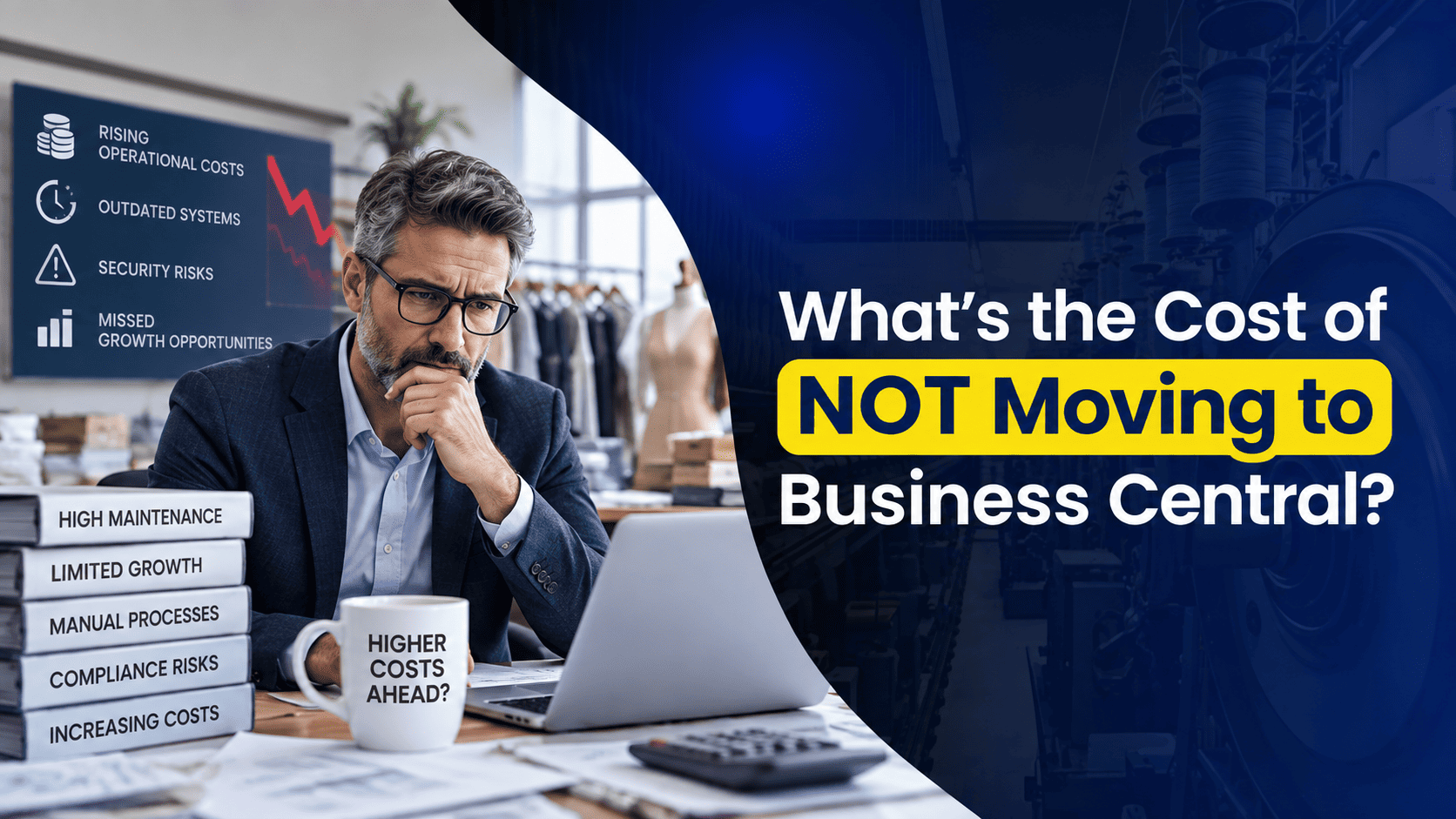
Most ERP conversations start with the wrong question. A leadership team sits down, looks at the budget, and asks: “What would it cost us to switch systems?” That’s a fair question, but it skips over a more important one: what is the current system already costing us, every single month, whether we notice it or not?
Nobody schedules a meeting to talk about the two extra days it takes to close the books, or the report someone rebuilds in Excel every quarter because the ERP can’t produce it directly. Those costs never show up as a single alarming number. They accumulate in the background, spread across dozens of small inefficiencies, until a business realizes it has been quietly subsidizing an outdated system for years.
This piece looks at where those hidden costs typically come from, and what tends to change once a business commits to Microsoft Dynamics 365 Business Central.
The Stakes: Are You Leaving Value on the Table?
Think of your ERP budget as a fixed pool of resources: time, staff hours, IT spend, and management attention. Whatever gets absorbed by keeping an old system alive is no longer available for anything else, whether that’s hiring, process improvement, or simply giving your finance team room to breathe.
Businesses weighing a move to Dynamics 365 Business Central usually end up circling back to three practical questions:
- How much of our team’s time goes into tasks the system should be automating on its own?
- What risk are we carrying by running on infrastructure that’s aging, unsupported, or difficult to secure?
- How much slower are we making decisions because our data lives in five different places instead of one?
Once a business answers these honestly, the ERP replacement conversation usually stops being about “someday” and starts being about “how soon.” The gap between how the business runs today and how it could run with a unified platform tends to be larger than most leadership teams expect.
Wasted Productivity: The Hidden Cost of Manual Work
Old ERP systems rarely fail in dramatic fashion. Instead, they wear teams down through a thousand small workarounds. Someone exports data because the system can’t generate the report they need. Someone else spends an afternoon reconciling two spreadsheets because there’s no single, trusted version of the truth. None of it looks expensive in the moment, but it adds up to hours that could have gone toward actual analysis instead of administrative cleanup.
A few patterns show up again and again in businesses still running legacy ERP software:
- Finance staff spend more time entering and correcting data than reviewing or forecasting it
- Closing the books takes longer than it should because figures have to be pulled and cross-checked from multiple disconnected tools
- Manual data entry introduces errors that then require a second round of checking to catch
With MS Business Central, financials, inventory, sales, and operations sit inside one connected system, so there’s no need to recreate the same information twice. The practical result is a finance team that spends less time assembling numbers and more time actually using them.
What you’re losing by staying on legacy systems: room to grow without hiring proportionally more people, simply because your current staff’s time is tied up maintaining the system instead of improving how the business runs.
Third-Party Dependency: The Cost of Complexity
The older an ERP system gets, particularly one nearing end-of-life, the more it tends to depend on outside help just to function normally. A custom report needs a developer. An integration between two disconnected tools needs someone to babysit it. Even a small change, like updating a tax rule, might require calling in a consultant because the platform was never designed to be modified in-house.
This is one of the sneakiest costs of running legacy software, because it rarely shows up as one large bill. It shows up as a steady trickle of smaller invoices, plus the frustration of waiting on someone else’s schedule every time something needs fixing.
D365 Business Central folds reporting, automation, and native connections to tools like Outlook, Excel, Teams, and Power BI into one platform, cutting down significantly on how often a business needs outside help just to keep things moving.
What you’re losing by staying on legacy systems: the ability to set your own pace. Each outside dependency is a delay someone else controls, not you.
Infrastructure and Maintenance Overhead: Paying to Maintain the Status Quo
Running an ERP system on-premise comes with a maintenance bill that’s easy to underestimate, mostly because it’s scattered across many smaller costs rather than appearing as one obvious line item:
- Servers that eventually need to be replaced
- IT staff time spent patching and monitoring infrastructure instead of supporting the wider business
- Periodic, disruptive upgrade projects that eat into both budget and productivity
- The ongoing risk of downtime during patching or unplanned outages
Dynamics Business Central runs in the cloud, so Microsoft takes care of the infrastructure, security patches, and platform updates on your behalf. There’s no server room to babysit and no looming multi-year upgrade project to plan around. Your internal IT team gets to spend its time on work that actually supports the business, rather than simply keeping old systems alive.
For companies still running Dynamics GP, this is often the most noticeable shift. A GP to Business Central migration removes the on-premise footprint entirely, along with the upkeep that comes with it.
What you’re losing by staying on legacy systems: IT budget and staff time that could be redirected toward projects that actually move the business forward.
Missed Revenue: The Sales and Customer Experience Cost
It’s tempting to treat ERP modernization as purely a back-office concern, but the effects reach customer-facing teams just as much. When a salesperson can’t see live inventory or pricing, a quote takes longer to put together. When a service rep can’t pull up accurate order history, a simple question turns into a delay. Customers may not always say something, but they notice.
A Business Central ERP rollout gives sales and service teams the same real-time data that finance and operations already rely on. No waiting for an overnight sync. No phone calls just to confirm stock levels. In practice, that tends to mean:
- Quotes and orders move through the pipeline faster
- Fewer mistakes caused by working off outdated numbers
- Better customer retention, simply because response times improve
What you’re losing by staying on legacy systems: deals that take longer to close than they should, and customer trust that chips away a little with every avoidable delay.
Beyond Cost Savings: Building a More Scalable Foundation
Reducing costs is only one part of the argument for modernizing. The larger shift is structural: moving away from a rigid, hardware-heavy ERP model toward one that can flex as the business changes.
Older systems tend to produce the same headaches no matter the industry: departments working off disconnected tools, limited visibility into what’s actually happening day to day, and a system that needs to be reworked every time the business adds a location, a product line, or a new team.
Microsoft Business Central uses a subscription-based, per-user licensing model, turning ERP spend into a predictable operating cost that grows in step with headcount rather than demanding a fresh infrastructure investment every few years. For a business planning ahead, whether that means entering new markets, making acquisitions, or launching new products, that kind of flexibility often matters as much as any single product feature.
Nevas Technologies runs every Business Central implementation on a fixed scope and timeline, so a business knows exactly what to expect going in, rather than discovering surprise costs partway through the project.
What you’re giving up by standing still: the ability to adapt quickly when circumstances change, instead of being limited by what your current system can support.
The Real Cost Isn’t Just Financial
Modernizing an ERP isn’t only a return-on-investment exercise. It shapes how a business actually operates day to day.
Slower decision-making. Legacy systems tend to run on static, delayed reports. Leadership ends up making calls based on numbers that are already a few days old, which raises the risk of acting on information that’s no longer accurate.
Lower team morale. People working with outdated, clunky software feel it, even if they don’t always say so out loud. A modern platform with native ties to Outlook, Excel, and Teams cuts down training time and daily frustration.
Weaker customer experience. Clunky systems make it harder to respond quickly when a customer needs an answer. A connected platform removes the internal back-and-forth that so often stands between a question and a straight answer.
Staying with the current system might feel like the safer, lower-effort choice in the short term. But the trade-offs build up gradually, in lost productivity, in rising costs, and in opportunities that end up going to competitors who can simply move faster.
What you’re losing by staying on legacy systems: a stronger internal culture, steadier customer loyalty, and a competitive edge that shrinks a little more each year.
Final Thought: Progress Doesn’t Have to Be Disruptive
Moving to Dynamics 365 Business Central doesn’t mean tearing out every process overnight. It means putting in place a foundation that removes friction instead of adding to it, one built for where the business is actually headed rather than where it happened to end up.
The most useful first step isn’t setting a go-live date. It’s getting a clear, honest answer to what your current system is costing you right now, in hours, in missed opportunities, and in growth it’s quietly holding back.
Nevas Technologies has spent over two decades helping businesses move off legacy platforms, including Dynamics GP and Dynamics NAV, and onto Business Central, guided by a fixed-scope implementation plan and a dedicated team of Business Central consultants.